Reposted by JER
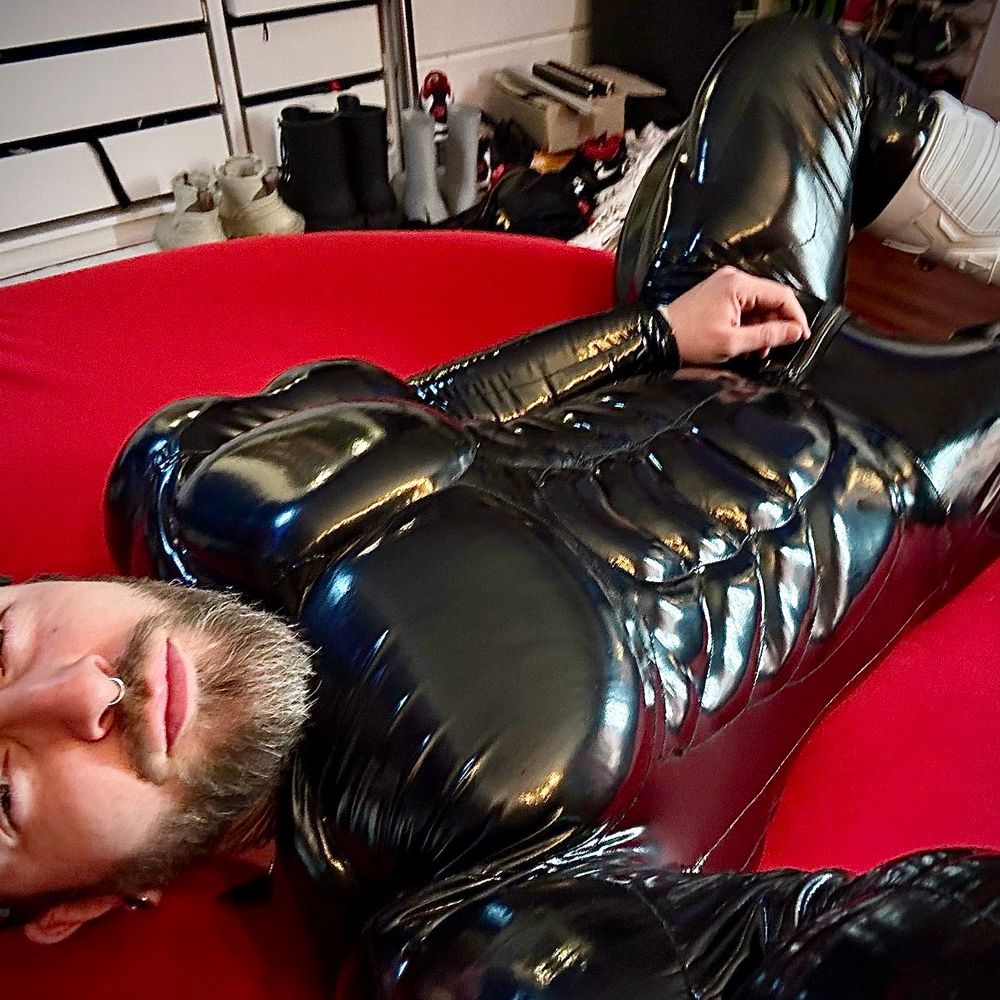
When he’s balls deep and you can barely breathe but you’ve never been happier in your life…
November 20, 2025 at 6:49 AM
When he’s balls deep and you can barely breathe but you’ve never been happier in your life…
New boots need breaking in 😈

November 8, 2025 at 12:55 PM
New boots need breaking in 😈

Reposted by JER
Rubber biker getting some much needed relief
October 5, 2025 at 9:36 AM
Rubber biker getting some much needed relief

Reposted by JER

Reposted by JER
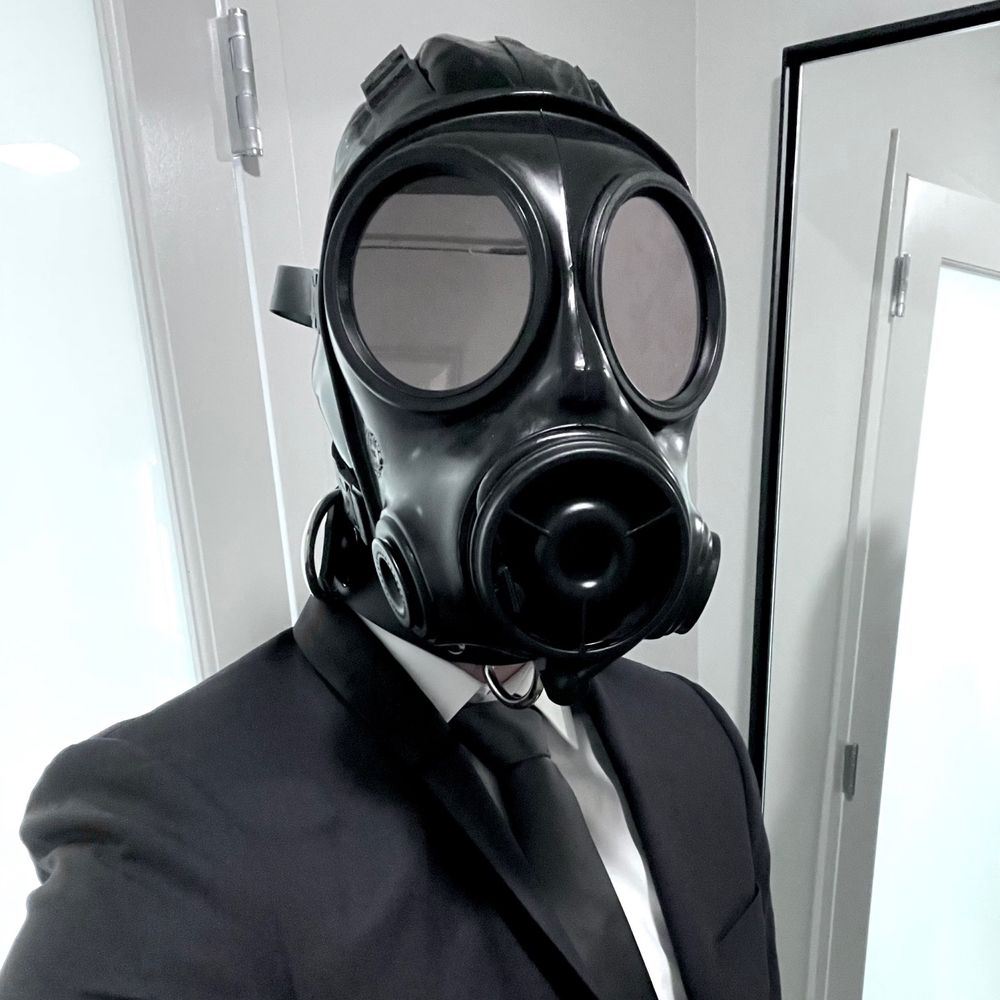
Ready for Folsom street fair

August 30, 2025 at 12:47 PM
Ready for Folsom street fair
Reposted by JER
Reposted by JER

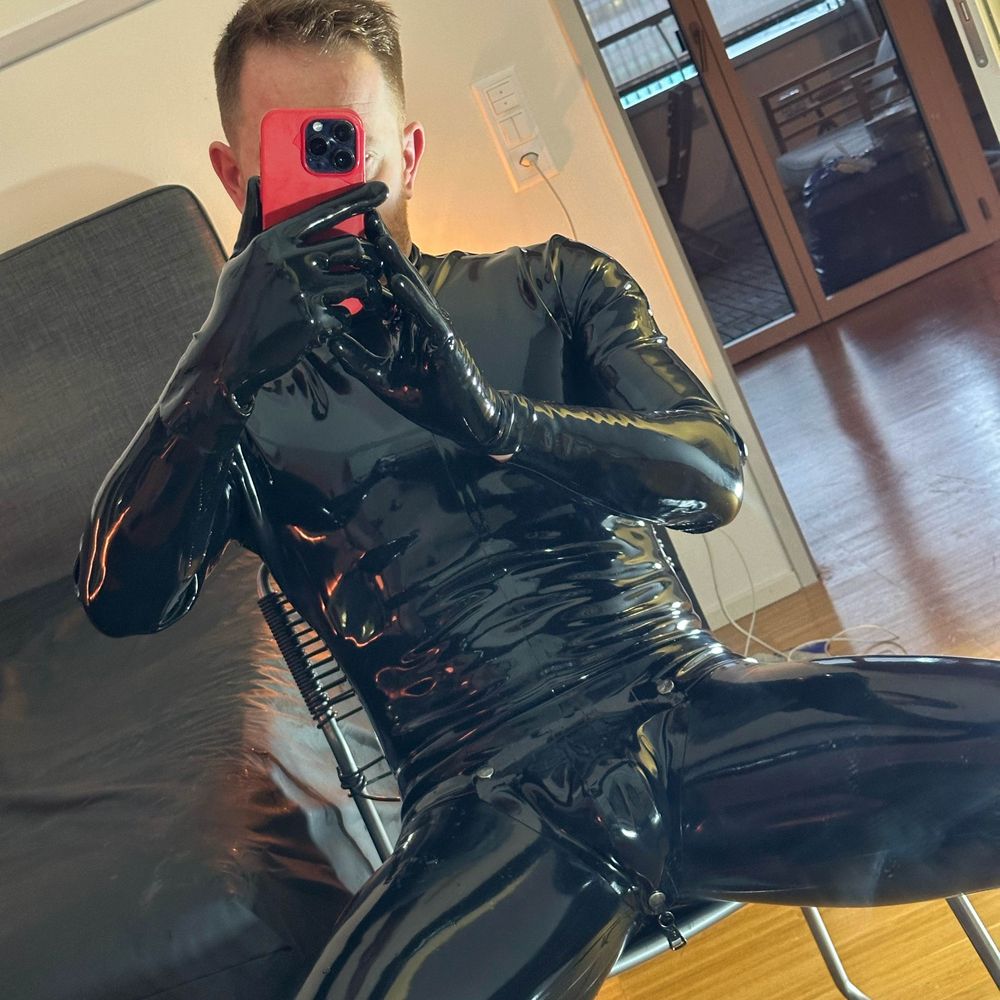
Absolutely loving this weather 🐾🚲
September 13, 2025 at 9:17 PM
Absolutely loving this weather 🐾🚲

Reposted by JER
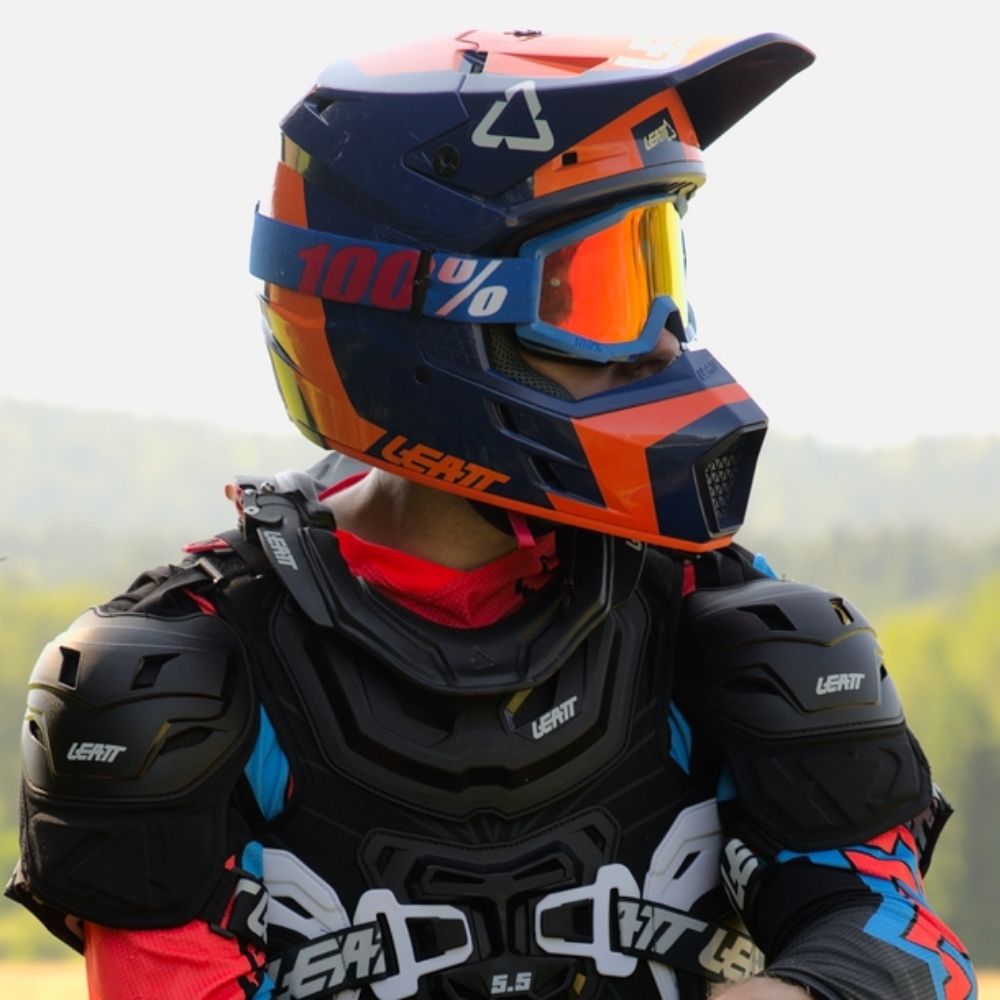
After riding all day, it was time to give @thinkingbound.bsky.social a nice, gentle massage. With electro, bc, pp, cbt, tt and complimentary, non-negotiable post-cum polishing.
RT for a link to longer version.
RT for a link to longer version.
August 19, 2025 at 5:54 PM
After riding all day, it was time to give @thinkingbound.bsky.social a nice, gentle massage. With electro, bc, pp, cbt, tt and complimentary, non-negotiable post-cum polishing.
RT for a link to longer version.
RT for a link to longer version.
Reposted by JER

Reposted by JER
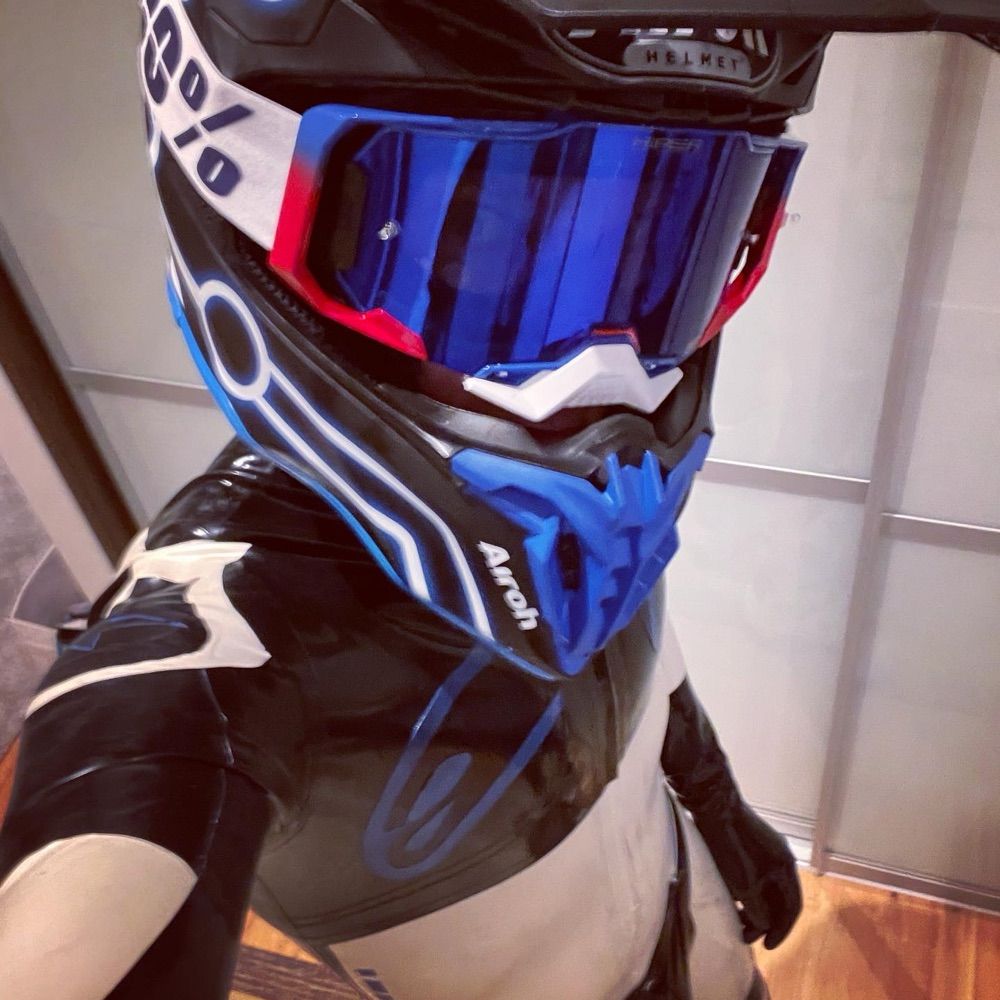
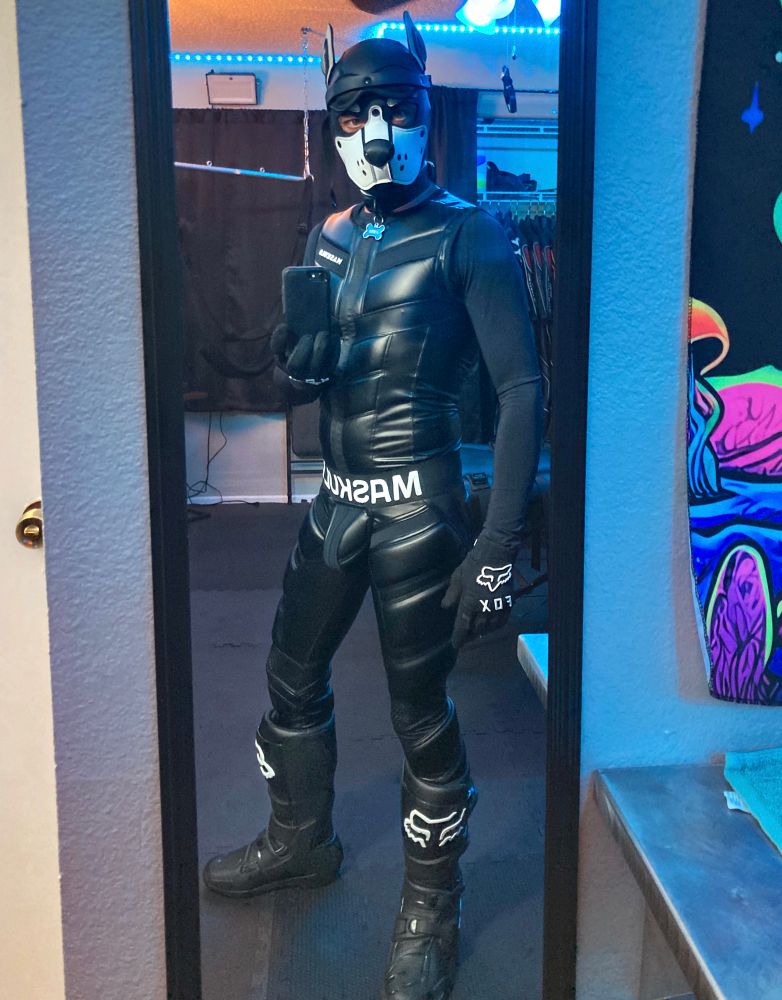
Jerking off on my bike in MX gear
May 24, 2025 at 11:02 PM
Jerking off on my bike in MX gear
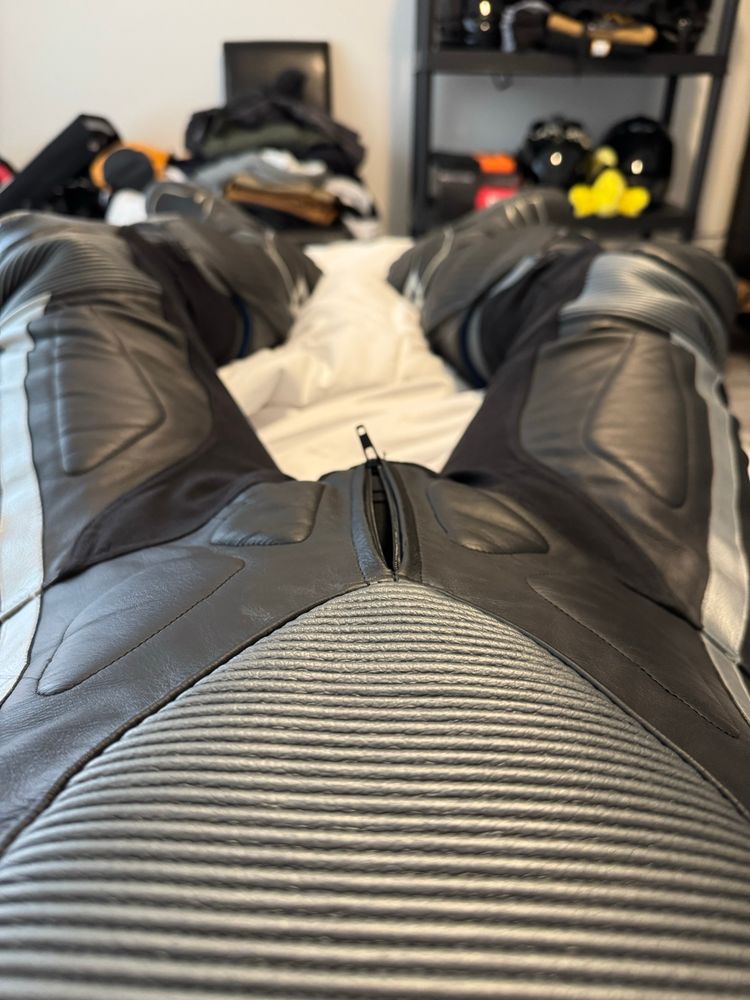
Reposted by JER
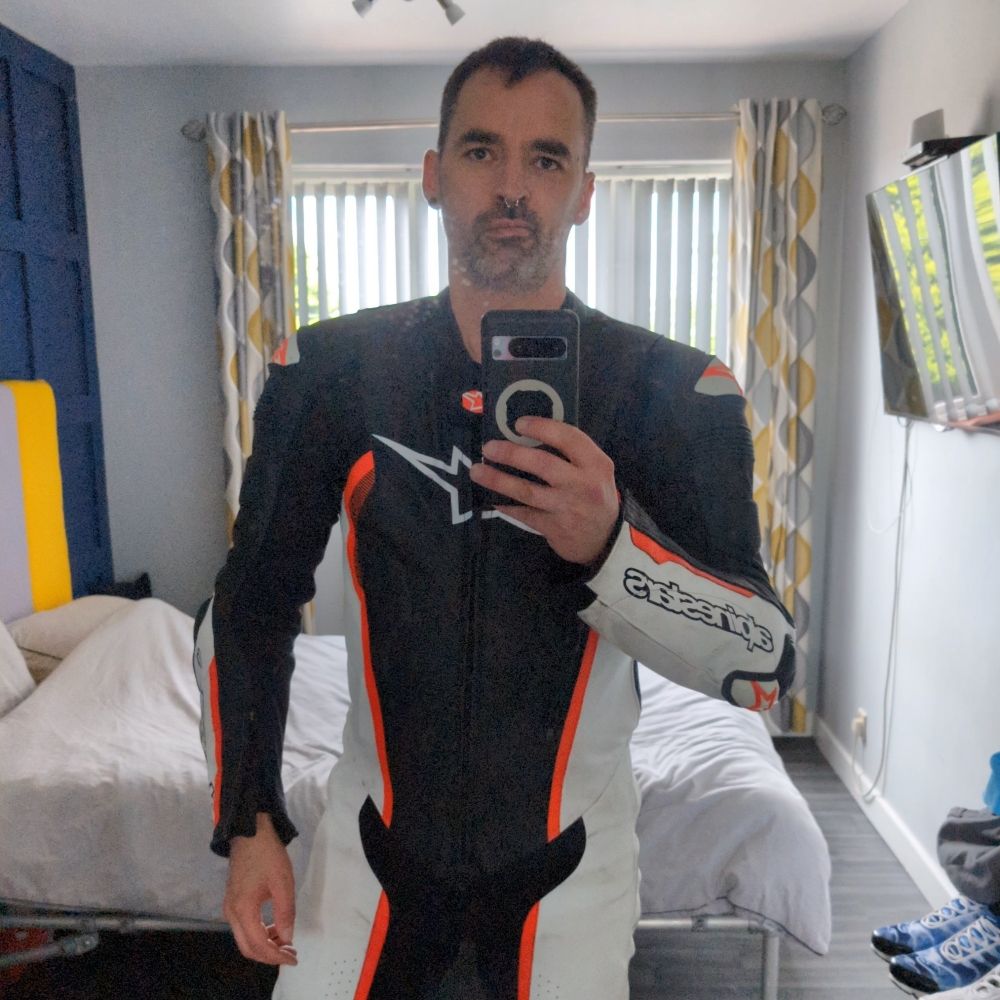
Can't beat a bit of mid week milking. Definitely loving this gear combination 😈
I may be tempted to post more of this 😉
I may be tempted to post more of this 😉
July 24, 2025 at 1:45 PM
Can't beat a bit of mid week milking. Definitely loving this gear combination 😈
I may be tempted to post more of this 😉
I may be tempted to post more of this 😉
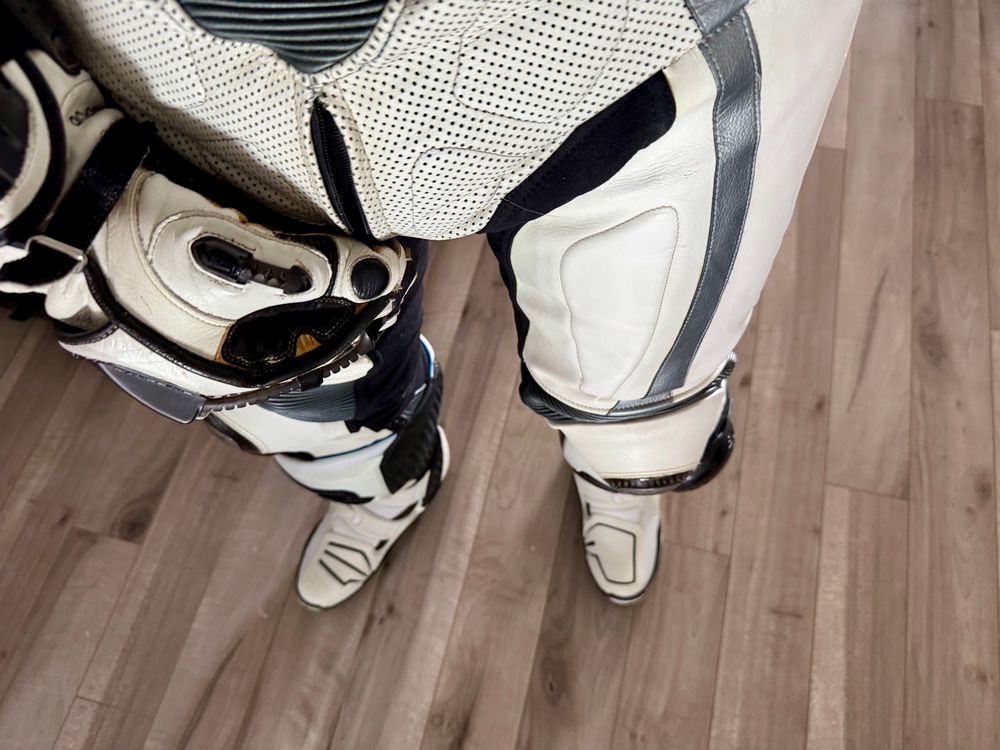
Reposted by JER
January 11, 2025 at 6:11 PM
Reposted by JER
May 22, 2025 at 3:47 PM
Reposted by JER
Reposted by JER
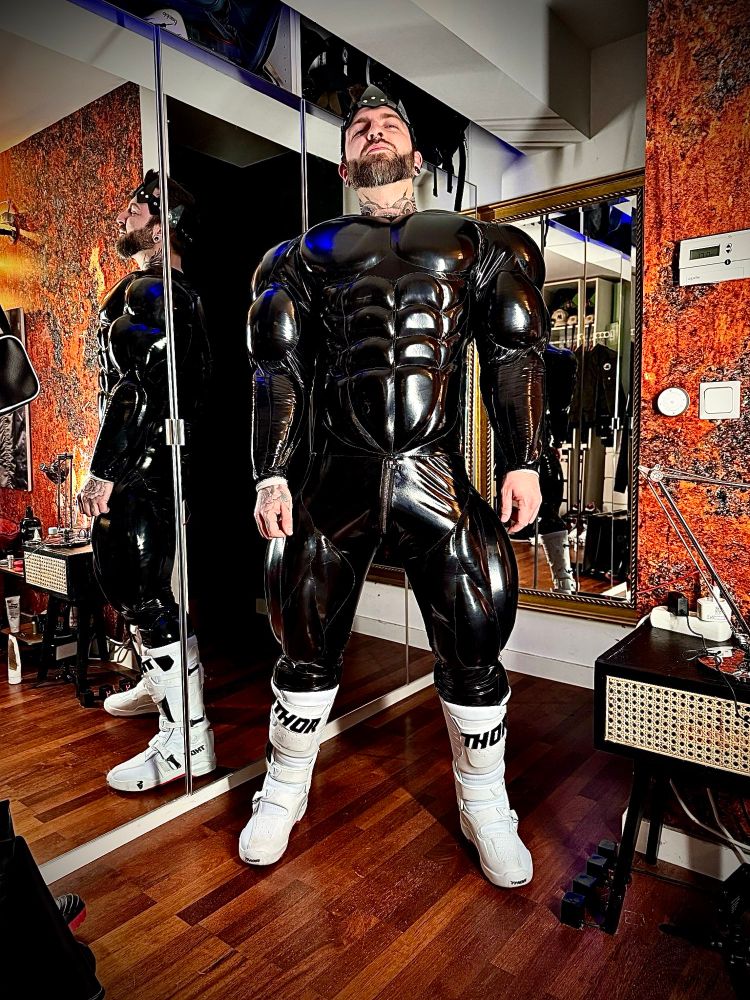
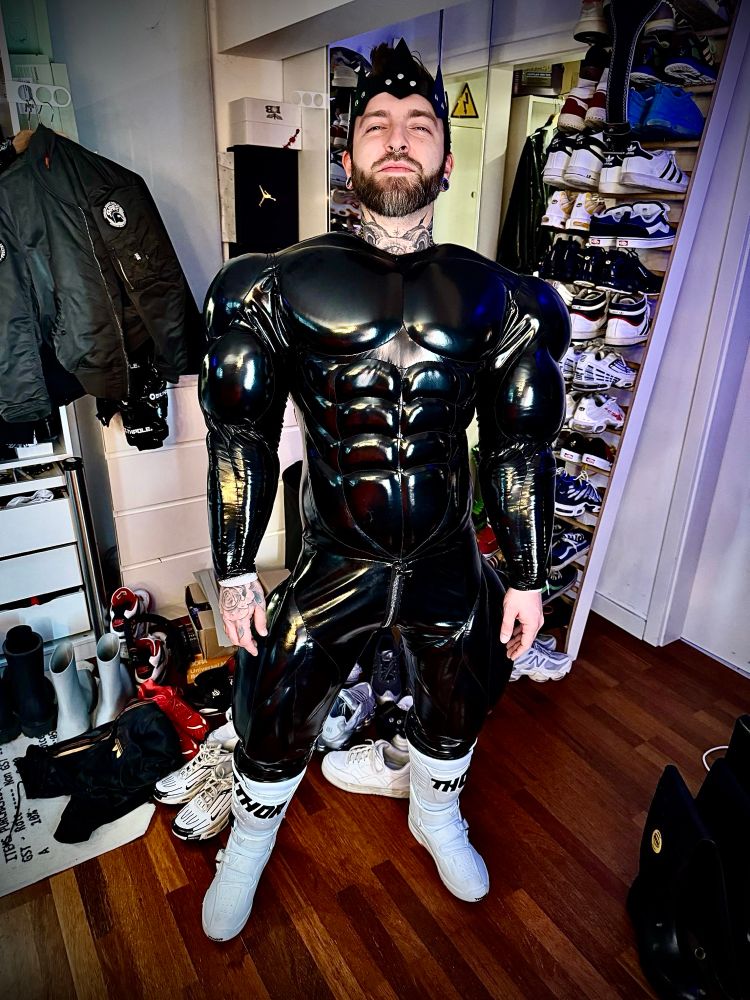
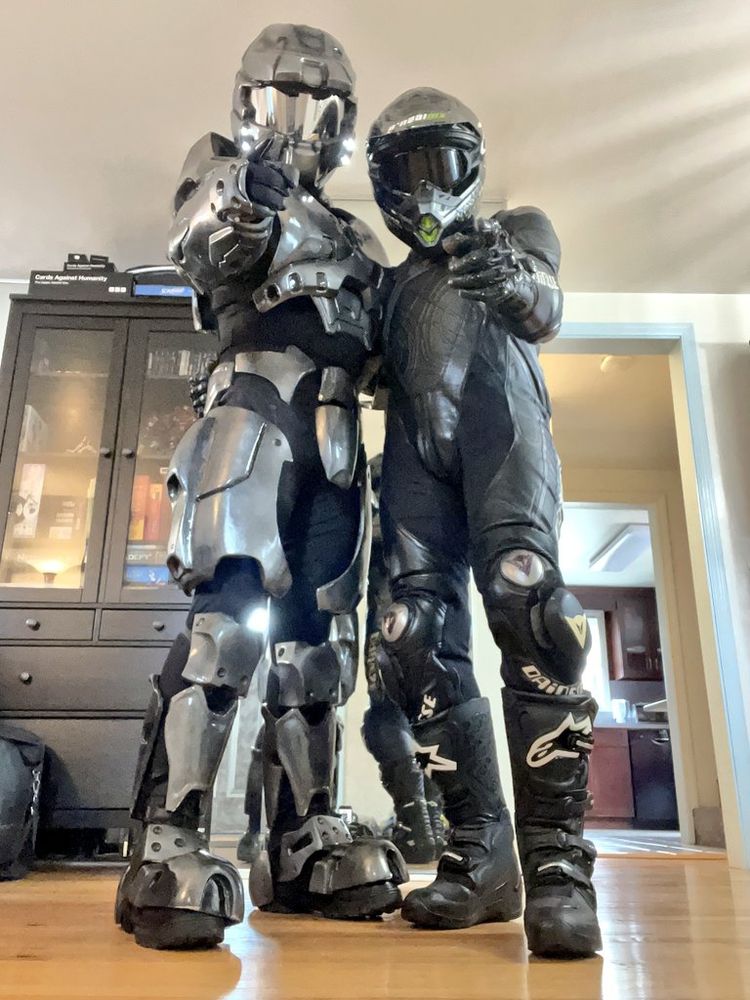
Throwback to the time @scubaccs.bsky.social put me in his Master Chief cosplay and put himself in that sexy biker gear and it was a vibe. All the love Rocket!
May 17, 2025 at 6:30 PM
Throwback to the time @scubaccs.bsky.social put me in his Master Chief cosplay and put himself in that sexy biker gear and it was a vibe. All the love Rocket!
Reposted by JER