



Jackbuzza
@jackbuzza.com
25 ◆ Insufferable Content Creator ◆ Twitch & TikTok Partner (4M+) ◆ shockbyte partner ◆ biz: [email protected] ◆ Jackbuzza.com
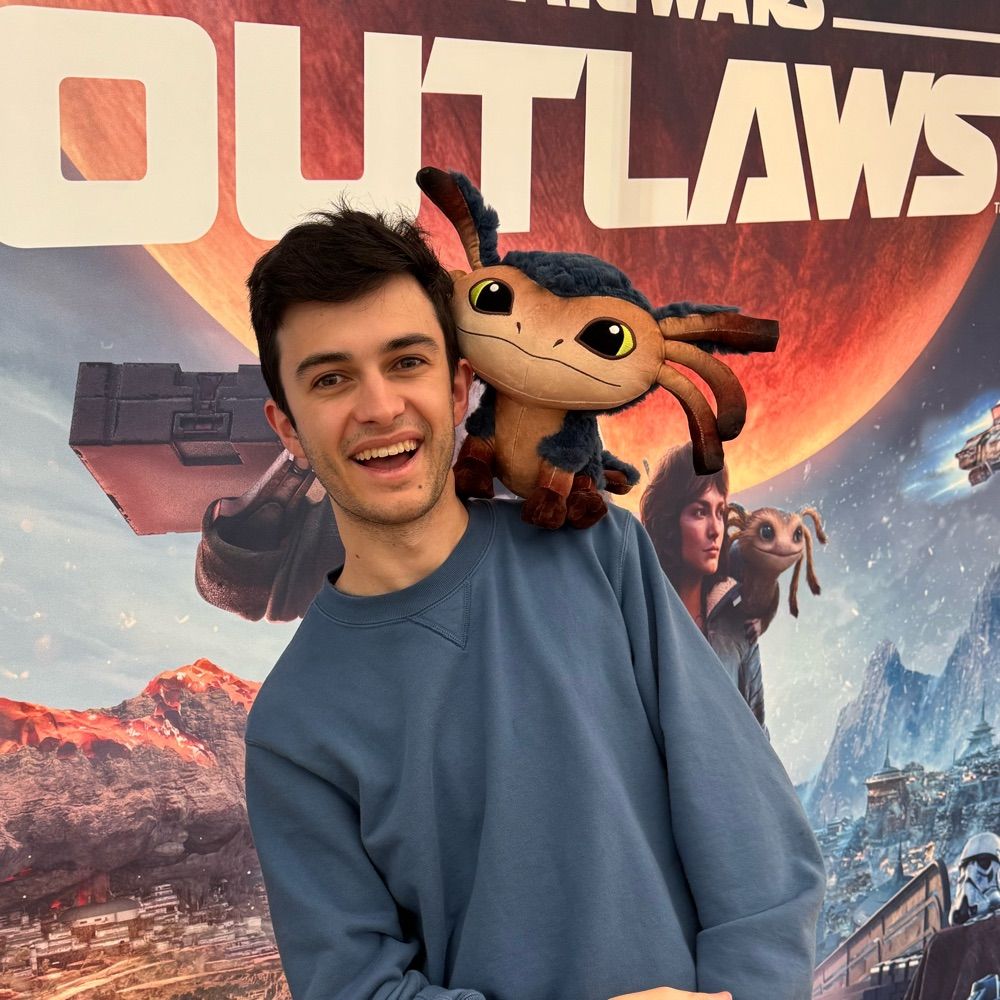
Hello Bluesky.
This is Bolton he wanted to say hi
This is Bolton he wanted to say hi

October 26, 2024 at 11:44 PM
Hello Bluesky.
This is Bolton he wanted to say hi
This is Bolton he wanted to say hi
TIKTOK WHY DID YOU CHANGE THE FONT???


October 23, 2024 at 12:06 PM
TIKTOK WHY DID YOU CHANGE THE FONT???
It can’t just be me that really wants the minecraft chair

October 20, 2024 at 2:24 AM
It can’t just be me that really wants the minecraft chair
Hello.
I did the thing (I’m even on a work trip and I still managed to do it)
I did the thing (I’m even on a work trip and I still managed to do it)

October 19, 2024 at 12:18 AM
Hello.
I did the thing (I’m even on a work trip and I still managed to do it)
I did the thing (I’m even on a work trip and I still managed to do it)