




Ryan P. Wilson
@mainstgazette.bsky.social
he|him Steward of philanthropy, working for equity, living with auto-immune dysfunction, husband, cat parent, creator of the Main Street Gazette, lifelong student, LEGO builder, writer, vinylophile, photographer, and consumer of good whiskey.
A Christmas Alastor

December 6, 2025 at 12:21 AM
A Christmas Alastor
Sunset Seasons Greetings (December 2021)

December 5, 2025 at 12:31 PM
Sunset Seasons Greetings (December 2021)
Around the BoardWalk (November 2024)


December 4, 2025 at 1:15 PM
Around the BoardWalk (November 2024)
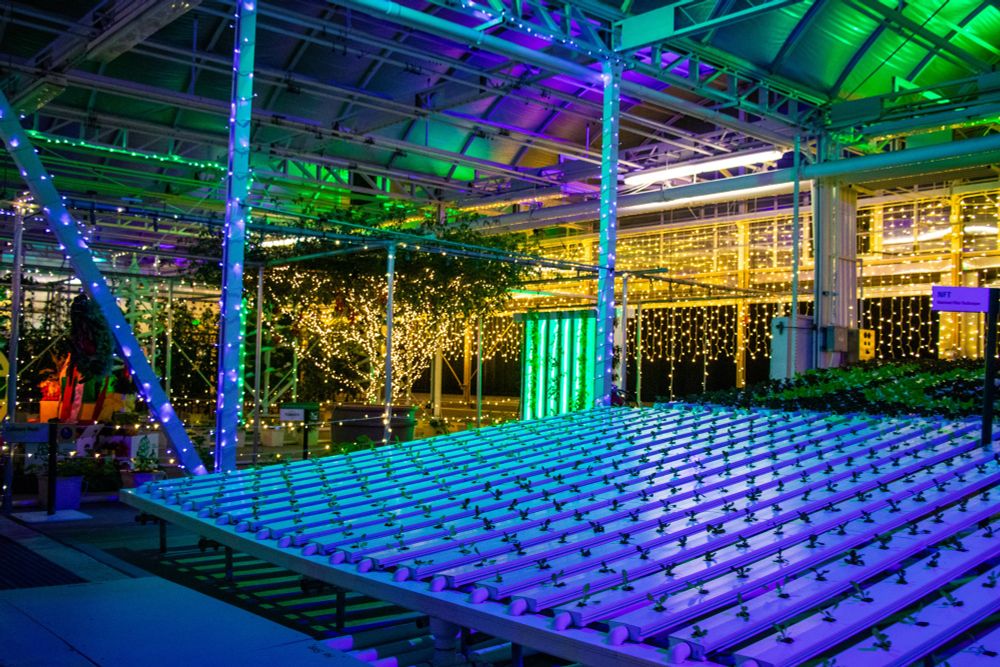
A Glimmering Greenhouse (December 2023)
December 3, 2025 at 1:08 PM
A Glimmering Greenhouse (December 2023)
We saw the Winter Lights at the NC Arboretum a couple of days ago and it may be the most impressive displays in recent memory. In fact, we’ll probably visit again before the season is over.
I’ll share more photos later, but here are a few favorites for tonight.
I’ll share more photos later, but here are a few favorites for tonight.


December 3, 2025 at 1:42 AM
We saw the Winter Lights at the NC Arboretum a couple of days ago and it may be the most impressive displays in recent memory. In fact, we’ll probably visit again before the season is over.
I’ll share more photos later, but here are a few favorites for tonight.
I’ll share more photos later, but here are a few favorites for tonight.
Festive Grizzly Peak Lamppost (October 2022)

December 2, 2025 at 12:58 PM
Festive Grizzly Peak Lamppost (October 2022)
Merry Bear (November 2024)

December 1, 2025 at 12:54 PM
Merry Bear (November 2024)
A few more of the favorites, with definite personal affinity.


November 30, 2025 at 5:31 PM
A few more of the favorites, with definite personal affinity.
Some new and some old ornaments, and not nearly enough room to show off all of our favorites.


November 30, 2025 at 5:31 PM
Some new and some old ornaments, and not nearly enough room to show off all of our favorites.
The tree went up on Friday and we decorated last night. Always nice to see it back in the house, obviously, only plastic baubles on the bottom within reach of cat paws!

November 30, 2025 at 5:31 PM
The tree went up on Friday and we decorated last night. Always nice to see it back in the house, obviously, only plastic baubles on the bottom within reach of cat paws!
Christmas Comes to Main Street (November 2024)

November 30, 2025 at 1:20 PM
Christmas Comes to Main Street (November 2024)
Gingerbread and Popcorn Balls (December 2023)

November 29, 2025 at 1:08 PM
Gingerbread and Popcorn Balls (December 2023)
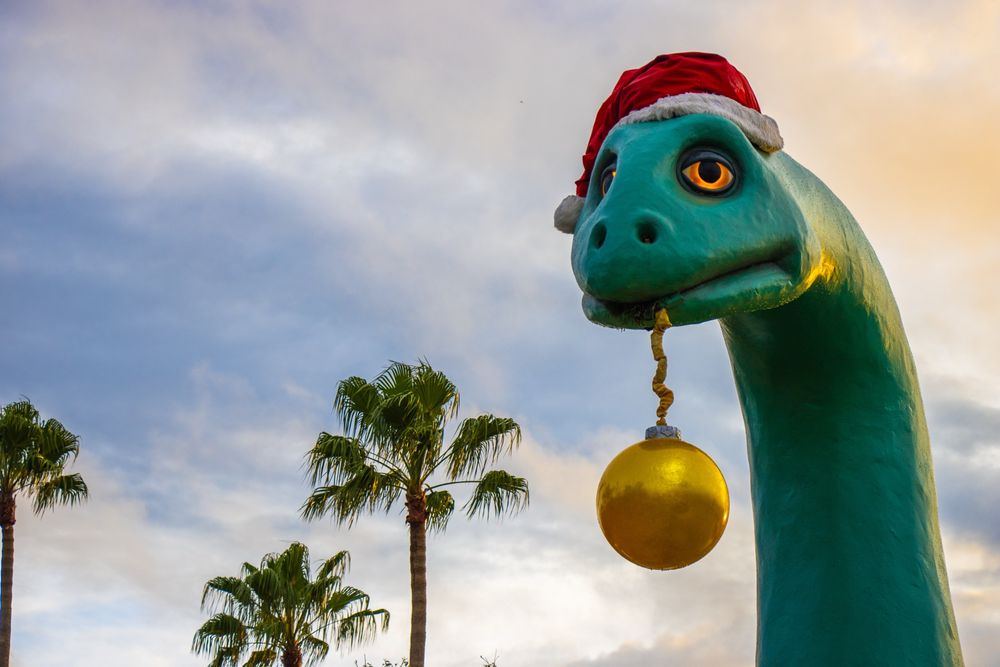
Santa Gertie (November 2024)
November 28, 2025 at 12:54 PM
Santa Gertie (November 2024)
Thanksgiving Wreath (October 2019)

November 27, 2025 at 12:40 PM
Thanksgiving Wreath (October 2019)
Flaska Reclinata and Vein Pods (December 2023)

November 26, 2025 at 2:40 PM
Flaska Reclinata and Vein Pods (December 2023)
Zax ByPass (September 2024)

November 25, 2025 at 1:13 PM
Zax ByPass (September 2024)
Voyager (October 2022)

November 24, 2025 at 1:02 PM
Voyager (October 2022)
Hasse, Birch, Anja, and Larke.


November 23, 2025 at 3:51 PM
Hasse, Birch, Anja, and Larke.
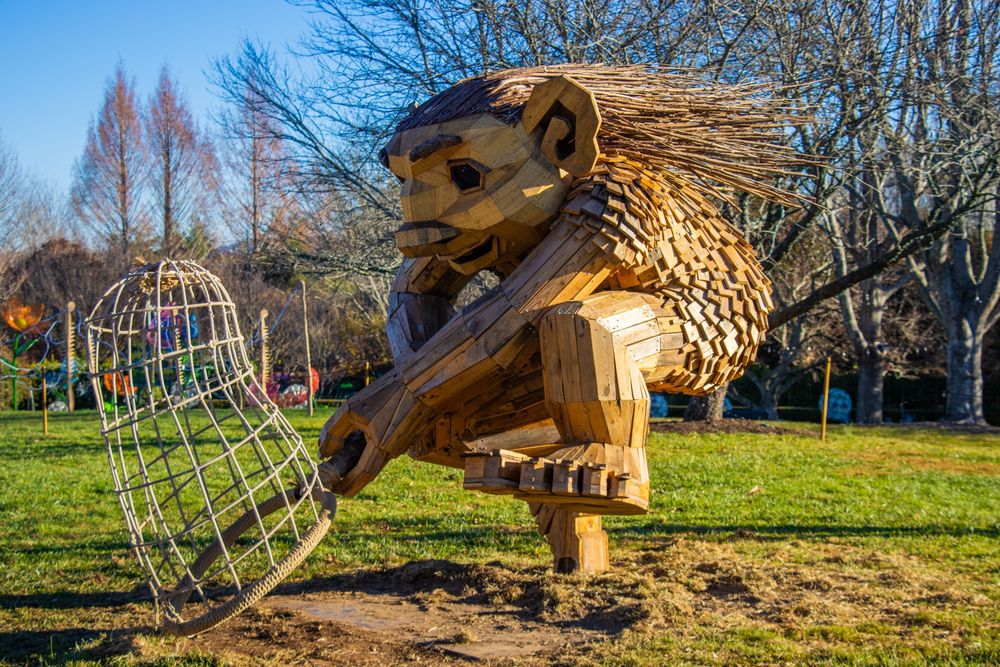
Lilnut, Boge, Kirse, and Poppy.


November 23, 2025 at 3:51 PM
Lilnut, Boge, Kirse, and Poppy.
Wilde, Bignut, Valle, and Taks.


November 23, 2025 at 3:51 PM
Wilde, Bignut, Valle, and Taks.
Spent the morning wandering the Arboretum meeting the Thomas Dambo’s trolls of the Field Study. We’ll definitely be seeing more of each other while they’re in town.
Let me introduce you all…
Let me introduce you all…

November 23, 2025 at 3:51 PM
Spent the morning wandering the Arboretum meeting the Thomas Dambo’s trolls of the Field Study. We’ll definitely be seeing more of each other while they’re in town.
Let me introduce you all…
Let me introduce you all…
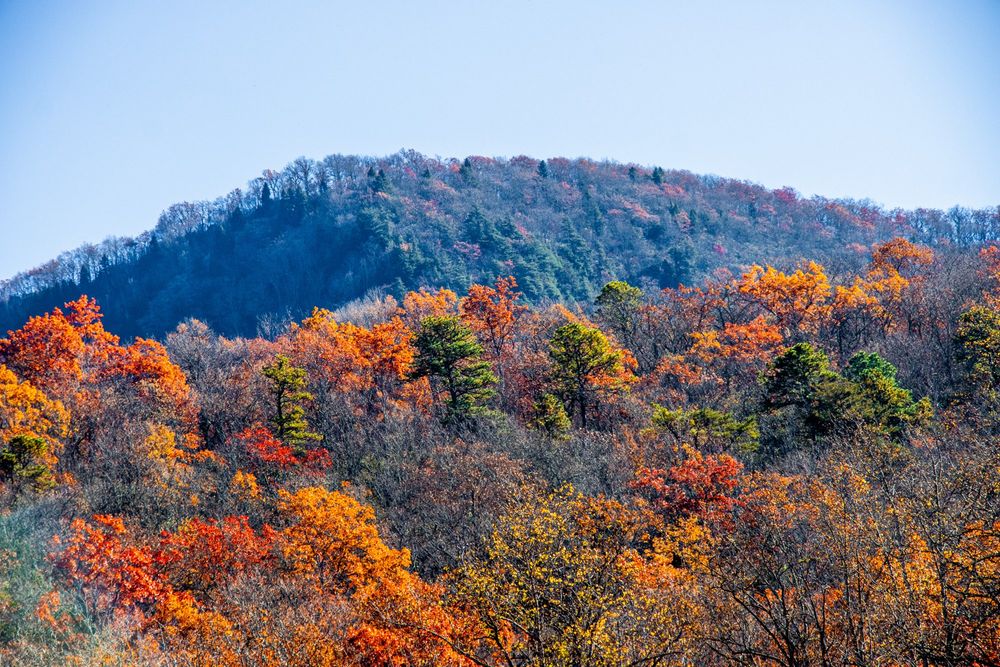
A Blue Ridge Autumn (November 2025)
November 23, 2025 at 12:49 PM
A Blue Ridge Autumn (November 2025)
Lost Boys (November 2024)

November 22, 2025 at 12:55 PM
Lost Boys (November 2024)
The Library of Alexandria is Burned (December 2023)

November 21, 2025 at 1:07 PM
The Library of Alexandria is Burned (December 2023)
Administrative Buildings (September 2024)

November 20, 2025 at 1:55 PM
Administrative Buildings (September 2024)