


Reposted by むこた
Twitterが不具合になるとすぐこっちに来る皆さん!!!
November 18, 2025 at 11:34 AM
Twitterが不具合になるとすぐこっちに来る皆さん!!!





Reposted by むこた


May 1, 2024 at 4:42 PM
友達にコード譲ってもらってブルスコ始めたとき、ミスキーやスレッズの方が勢いすごくてその後タイツにも人が流れてここは青くて広い空……誰もおらん……と時々体育座りしに来てたら登録解禁された途端大挙して押し寄せてきたのでなんだなんだ!?って感じ
February 9, 2024 at 2:00 PM
友達にコード譲ってもらってブルスコ始めたとき、ミスキーやスレッズの方が勢いすごくてその後タイツにも人が流れてここは青くて広い空……誰もおらん……と時々体育座りしに来てたら登録解禁された途端大挙して押し寄せてきたのでなんだなんだ!?って感じ
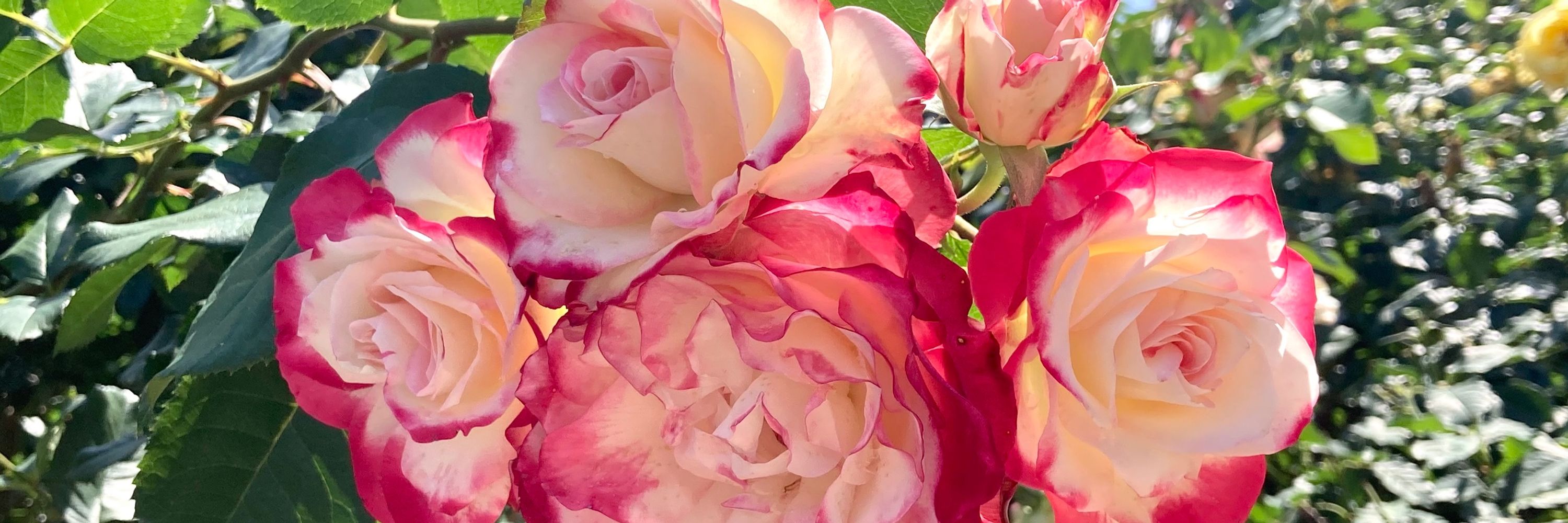
ヘッダーはジュビレデュプリンスドゥモナコという品種のバラです
February 7, 2024 at 1:29 PM
ヘッダーはジュビレデュプリンスドゥモナコという品種のバラです


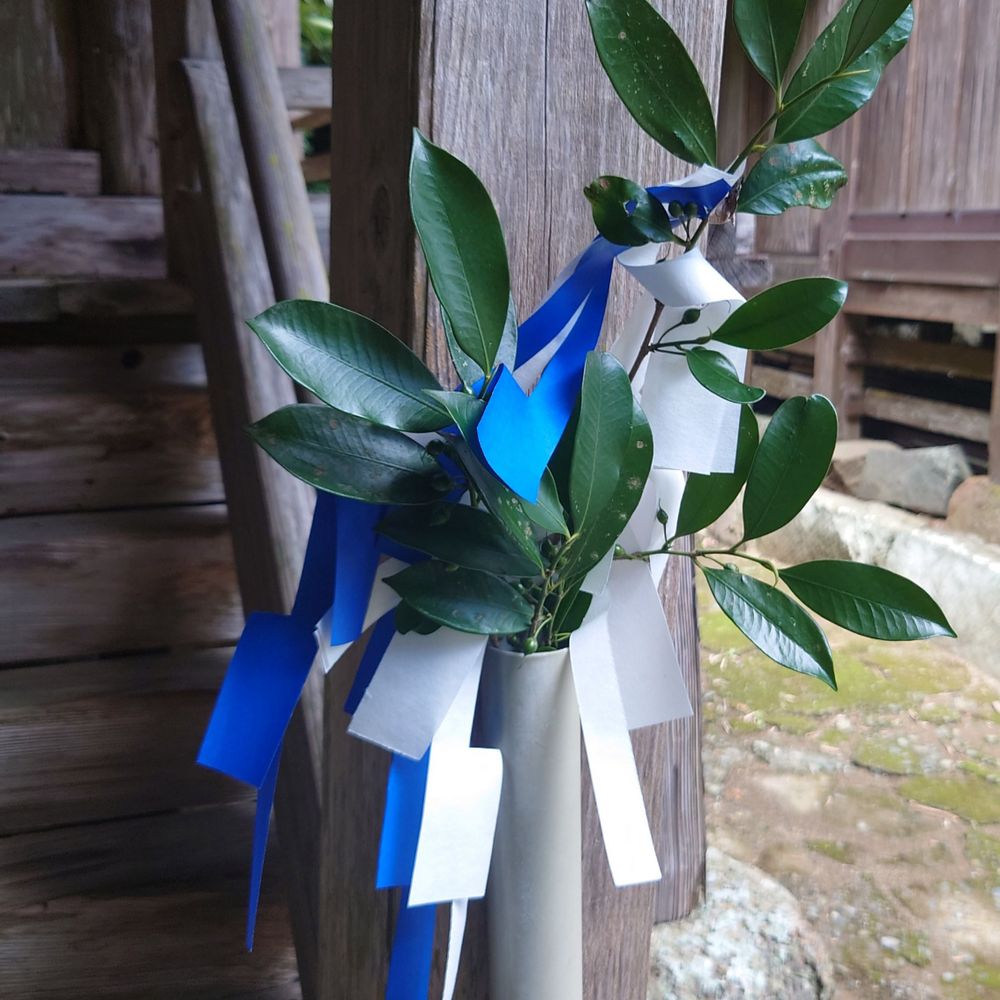
厄年のお祓いしてもらった神社に今年もお参りしてきたけどなんか最近色んな媒体で厄年は信じてないって意見見かけてそうなのか……と思った
January 14, 2024 at 1:17 AM
厄年のお祓いしてもらった神社に今年もお参りしてきたけどなんか最近色んな媒体で厄年は信じてないって意見見かけてそうなのか……と思った
Reposted by むこた

人がいない、英語のポストしか流れて来ないって新規さん向けのざっくり設定(iPhoneアプリの例)
1) 左上の「三」みたいなのを押す
2) ⚙️アイコンの所をを押す
3) 「AZ」アイコンの所を押す
4) 3箇所の選択肢で「日本語」「Japanese」「Japanese」を選ぶ
以上!
1) 左上の「三」みたいなのを押す
2) ⚙️アイコンの所をを押す
3) 「AZ」アイコンの所を押す
4) 3箇所の選択肢で「日本語」「Japanese」「Japanese」を選ぶ
以上!


January 10, 2024 at 10:10 PM
人がいない、英語のポストしか流れて来ないって新規さん向けのざっくり設定(iPhoneアプリの例)
1) 左上の「三」みたいなのを押す
2) ⚙️アイコンの所をを押す
3) 「AZ」アイコンの所を押す
4) 3箇所の選択肢で「日本語」「Japanese」「Japanese」を選ぶ
以上!
1) 左上の「三」みたいなのを押す
2) ⚙️アイコンの所をを押す
3) 「AZ」アイコンの所を押す
4) 3箇所の選択肢で「日本語」「Japanese」「Japanese」を選ぶ
以上!


モクローのもこもこパジャマ、着た時はなんか股がごわつくなぁと思ったけど一晩着たら気にならんくなった✌️あったけ!
December 22, 2023 at 11:29 PM
モクローのもこもこパジャマ、着た時はなんか股がごわつくなぁと思ったけど一晩着たら気にならんくなった✌️あったけ!
こないだの横浜旅行の終わりに船から撮った写真よく撮れてる


December 9, 2023 at 2:59 PM
こないだの横浜旅行の終わりに船から撮った写真よく撮れてる
ハマに遊びに行って買ったクリスマスの飾りめちゃかわいい🎄

December 2, 2023 at 12:40 AM
ハマに遊びに行って買ったクリスマスの飾りめちゃかわいい🎄


吊るし飾りのお祭りやってたので可愛かったやつの写真を撮った


November 18, 2023 at 1:34 AM
吊るし飾りのお祭りやってたので可愛かったやつの写真を撮った
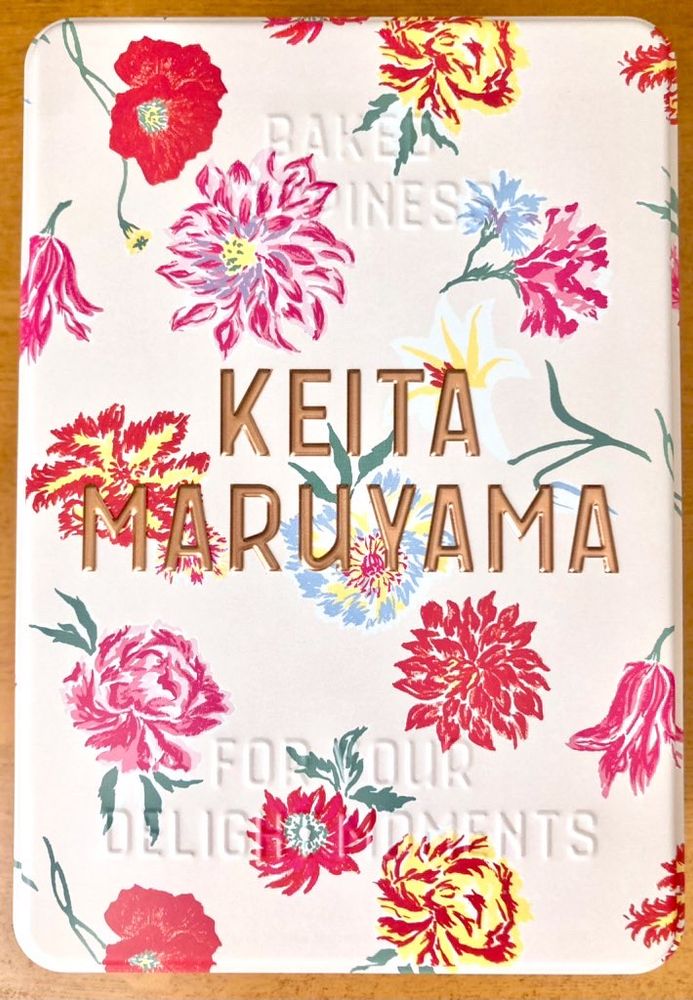
うたプのクッキー缶かわいいしクッキーはうまい!!こんなしっかりめのクッキー焼きたい

November 18, 2023 at 1:31 AM
うたプのクッキー缶かわいいしクッキーはうまい!!こんなしっかりめのクッキー焼きたい
誰もがもう🧁(これはカップケーキ)の話なんかお腹いっぱいだと思うけどよ、おらはこの話題に被害者でもないのに暴言吐き散らかしてる人は、料理を失敗して悔しい悲しい思いをしたことがないんだろうか…と思ってしまったよ
November 17, 2023 at 12:03 PM
誰もがもう🧁(これはカップケーキ)の話なんかお腹いっぱいだと思うけどよ、おらはこの話題に被害者でもないのに暴言吐き散らかしてる人は、料理を失敗して悔しい悲しい思いをしたことがないんだろうか…と思ってしまったよ
今日は朝からりんごすりおろして砂糖と煮詰めてバター混ぜてりんごバターを作ってたってわけ

October 7, 2023 at 1:04 PM
今日は朝からりんごすりおろして砂糖と煮詰めてバター混ぜてりんごバターを作ってたってわけ
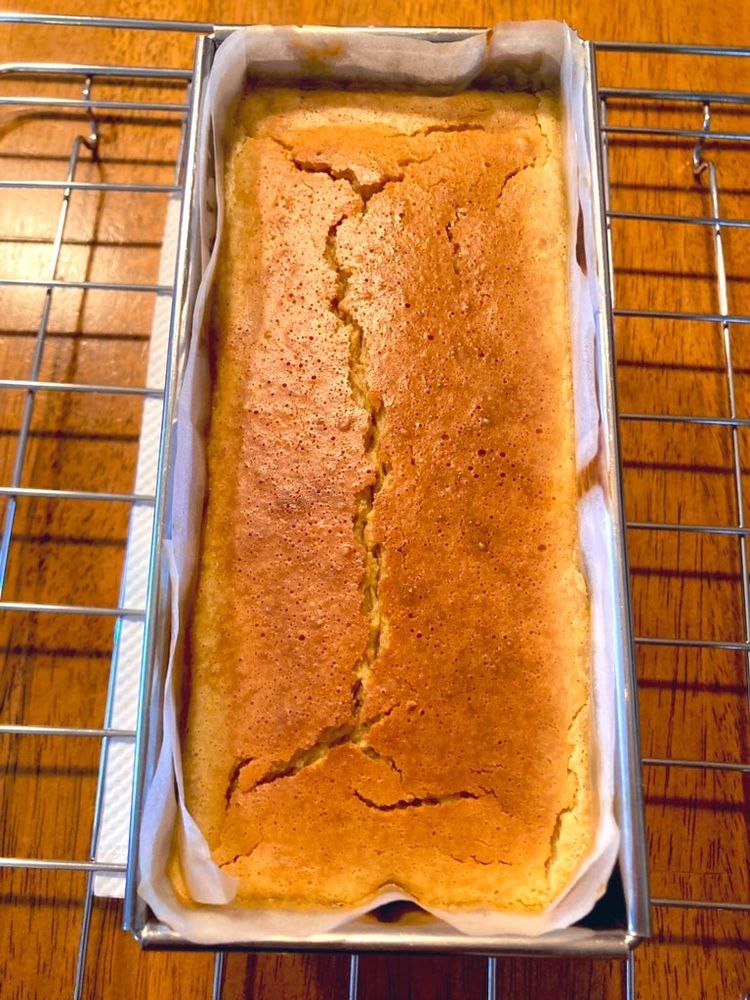
ほうじ茶チーズケーキ焼いた このサイズの生菓子二人で消費するのはキツいと分かったので今日には冷凍しなきゃ……

September 20, 2023 at 3:50 AM
ほうじ茶チーズケーキ焼いた このサイズの生菓子二人で消費するのはキツいと分かったので今日には冷凍しなきゃ……