




Oregon Legislative BIPOC Caucus
@orlegbipoc.bsky.social
Your state lawmakers fighting for racial justice in Oregon | Led by Sen. Campos and Rep. Ruiz
This event will be live streamed for those who cannot join us at oregonlegislature.gov.
Translations will be available on the event recording, which will be posted after the event has concluded.
Translations will be available on the event recording, which will be posted after the event has concluded.

November 13, 2025 at 10:14 PM
This event will be live streamed for those who cannot join us at oregonlegislature.gov.
Translations will be available on the event recording, which will be posted after the event has concluded.
Translations will be available on the event recording, which will be posted after the event has concluded.
Please join us at the Capitol for the celebration of life for Têrêsa Nguyễn Hiên Hòa, a dear friend and colleague.

November 13, 2025 at 10:14 PM
Please join us at the Capitol for the celebration of life for Têrêsa Nguyễn Hiên Hòa, a dear friend and colleague.
Today, Lamar Wise was appointed by the Multnomah and Clackamas County Commissioners to represent House District 48, succeeding our dear friend and colleague Hiền Hòa Nguyễn who recently passed away.

November 5, 2025 at 8:27 PM
Today, Lamar Wise was appointed by the Multnomah and Clackamas County Commissioners to represent House District 48, succeeding our dear friend and colleague Hiền Hòa Nguyễn who recently passed away.
⚡ Today, the FAIR Energy Act passes the Oregon House! What the bill does is address skyrocketing utility costs by empowering state regulators to center affordability for Oregonians. Now onto the Senate! #orpol #orleg #energyjustice #affordableenergy

June 23, 2025 at 11:09 PM
⚡ Today, the FAIR Energy Act passes the Oregon House! What the bill does is address skyrocketing utility costs by empowering state regulators to center affordability for Oregonians. Now onto the Senate! #orpol #orleg #energyjustice #affordableenergy
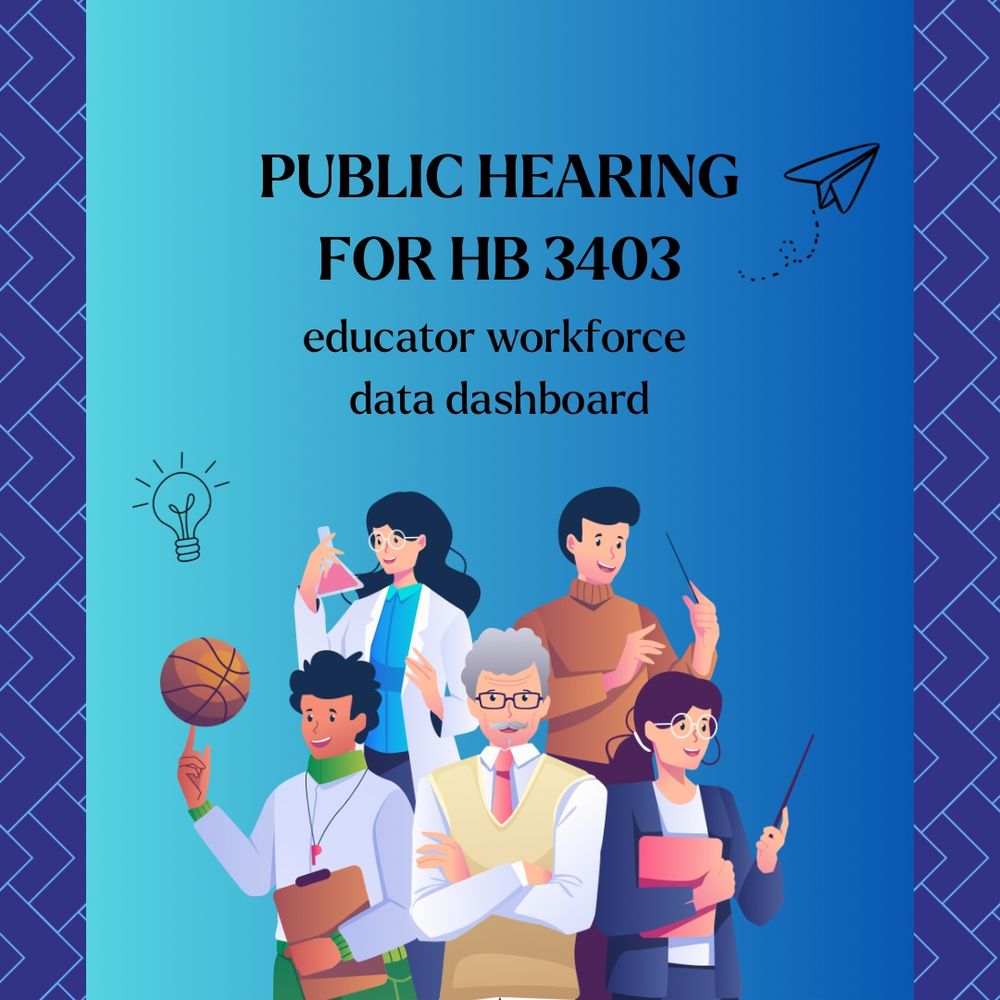

May marks Asian American Pacific Islander Heritage Month. Hear Sen. Phạm talk about the rich cultures and contributions of Asian Americans, Native Hawaiians, and Pacific Islanders that make this state a better place for all. #AAPIHeritageMonth #AAPI #AAPIHeritage #CelebrateAAPI #orpol #orleg
May 5, 2025 at 10:27 PM
May marks Asian American Pacific Islander Heritage Month. Hear Sen. Phạm talk about the rich cultures and contributions of Asian Americans, Native Hawaiians, and Pacific Islanders that make this state a better place for all. #AAPIHeritageMonth #AAPI #AAPIHeritage #CelebrateAAPI #orpol #orleg
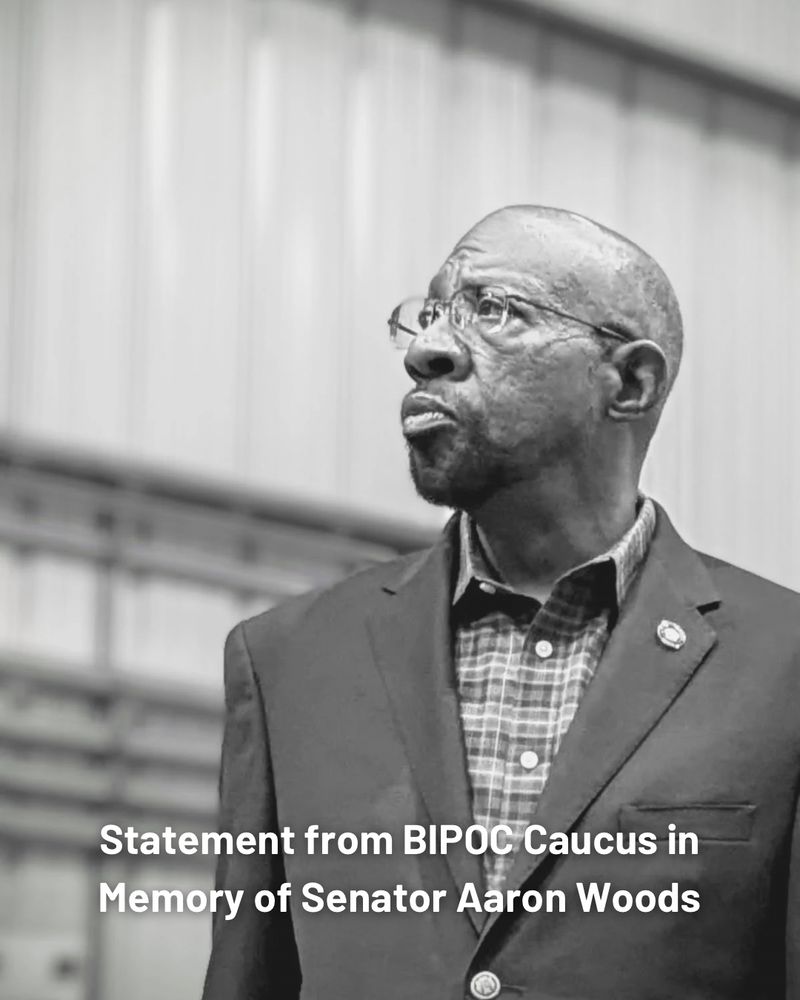
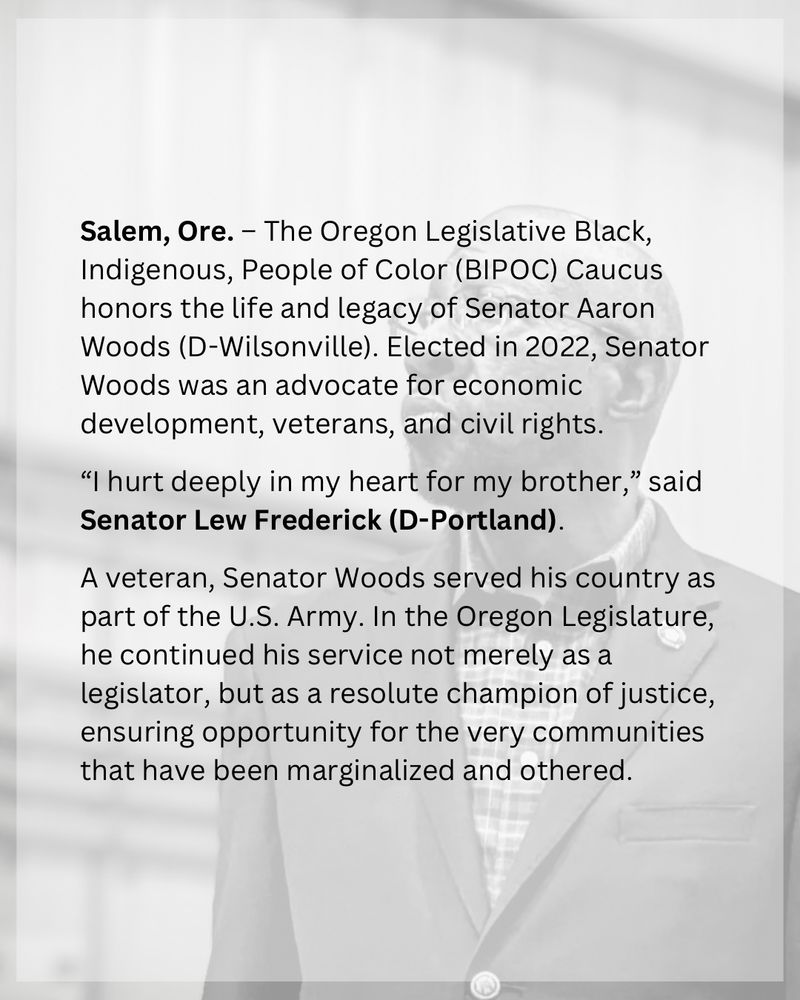
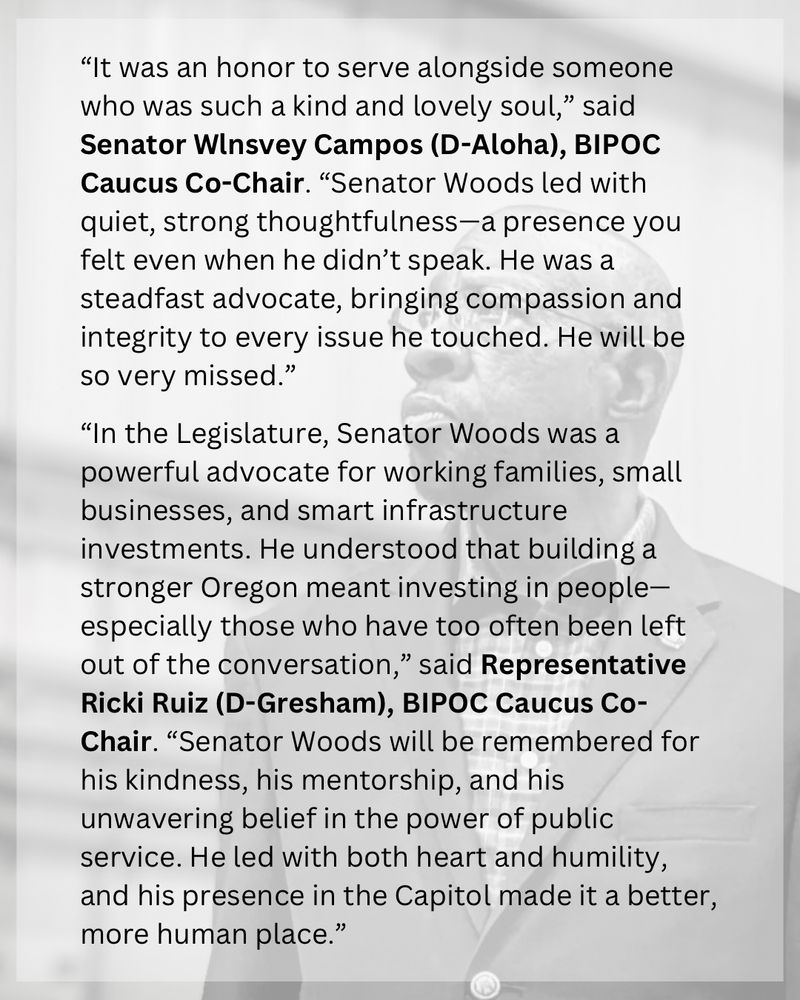
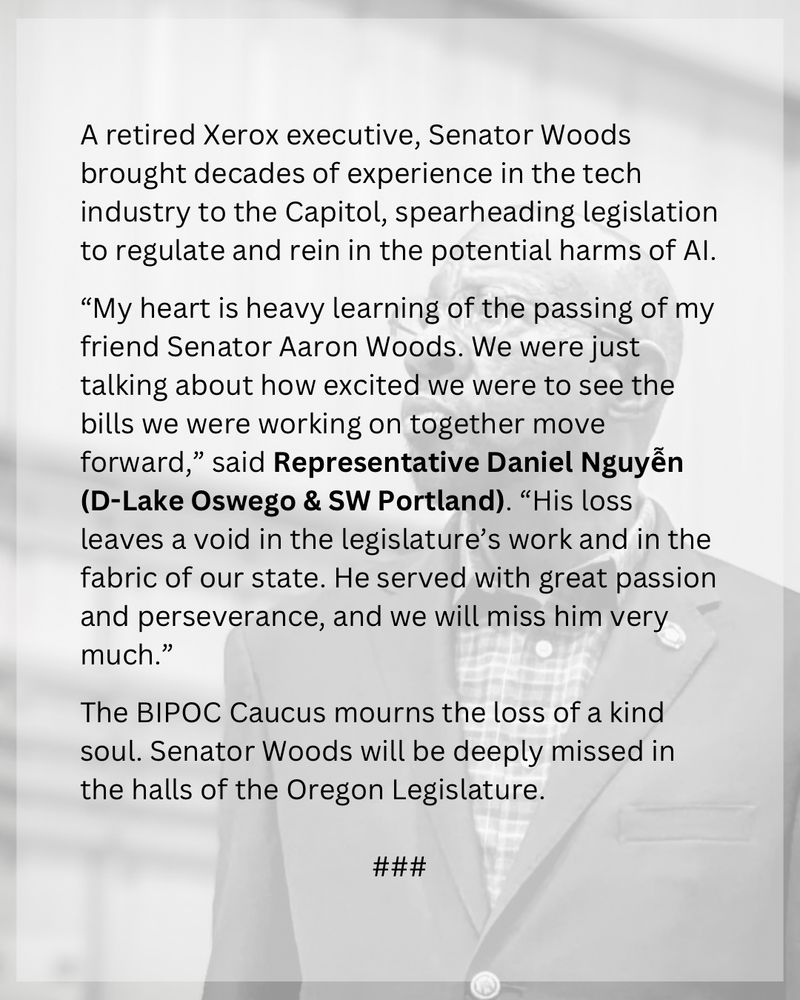
Today, the BIPOC Caucus honors the life and legacy of Senator Aaron Woods. We mourn the loss of a kind soul. Senator Woods will be deeply missed in the halls of the Oregon Legislature.
April 21, 2025 at 10:58 PM
Today, the BIPOC Caucus honors the life and legacy of Senator Aaron Woods. We mourn the loss of a kind soul. Senator Woods will be deeply missed in the halls of the Oregon Legislature.
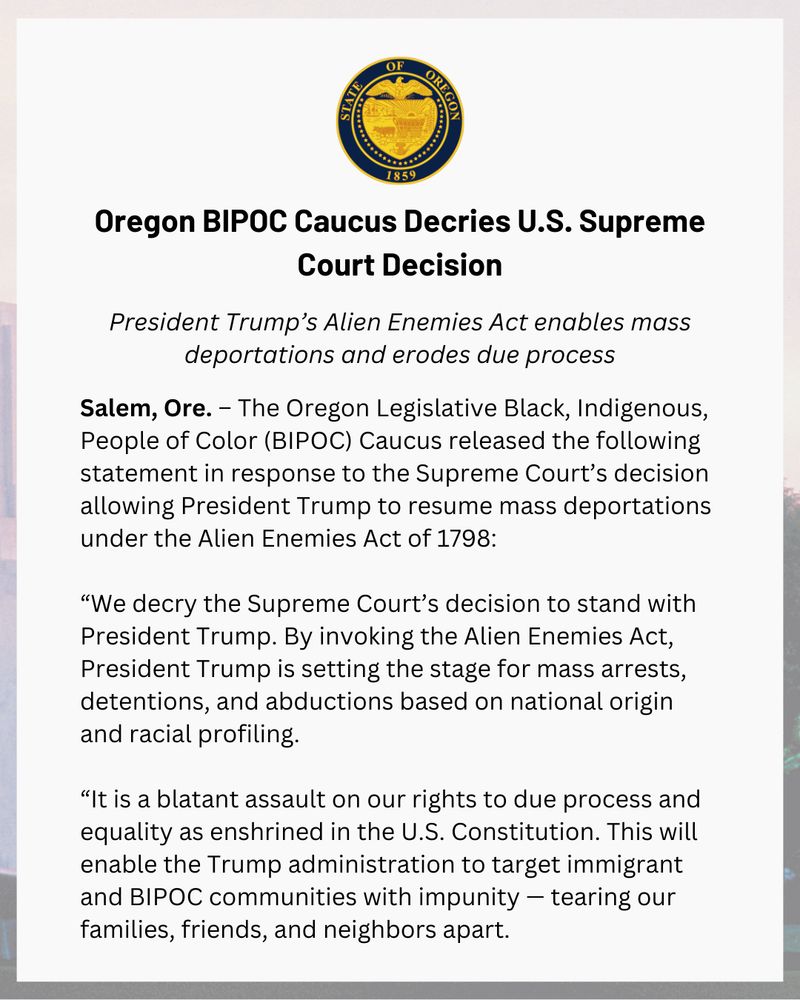
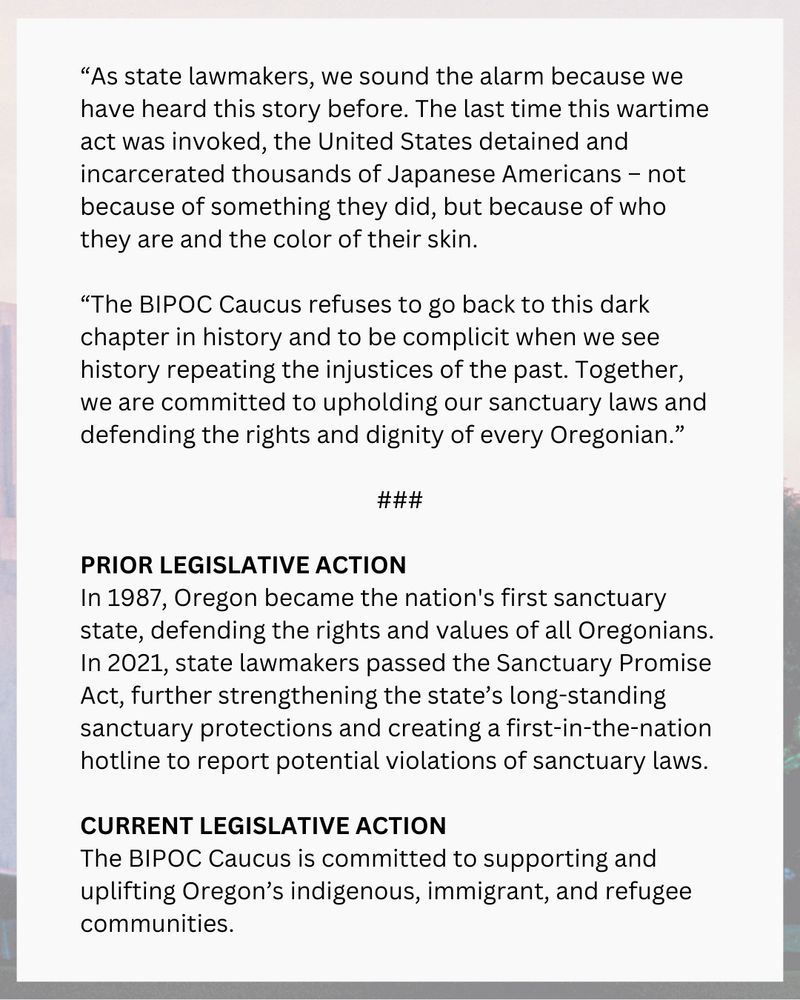
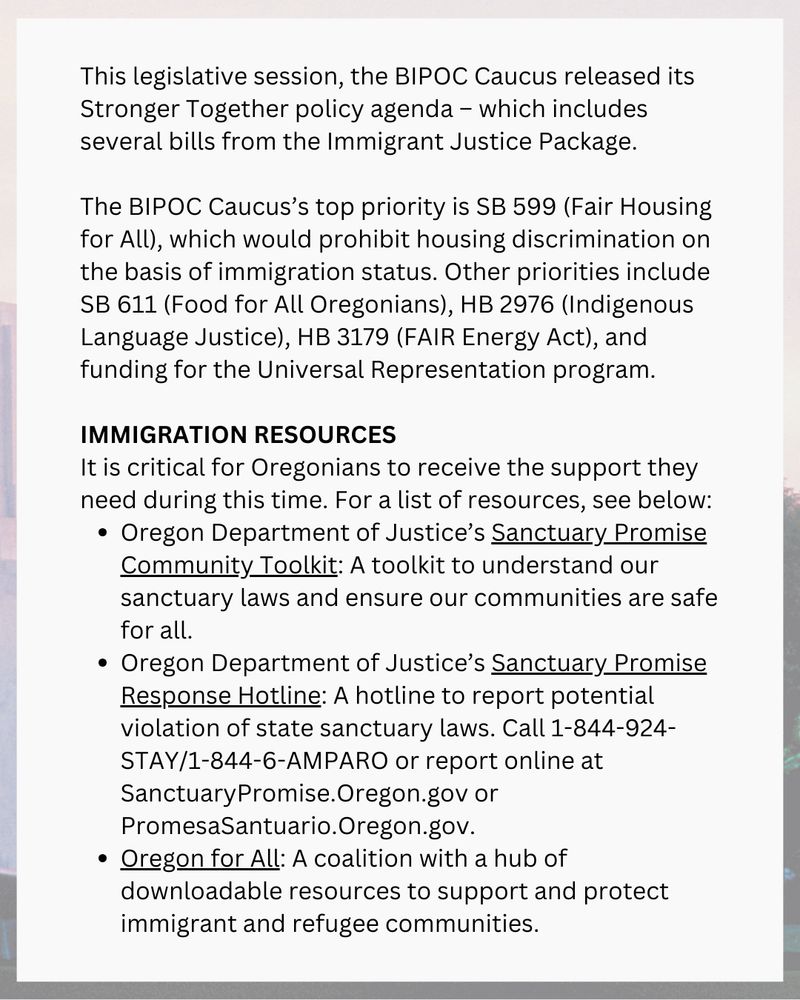
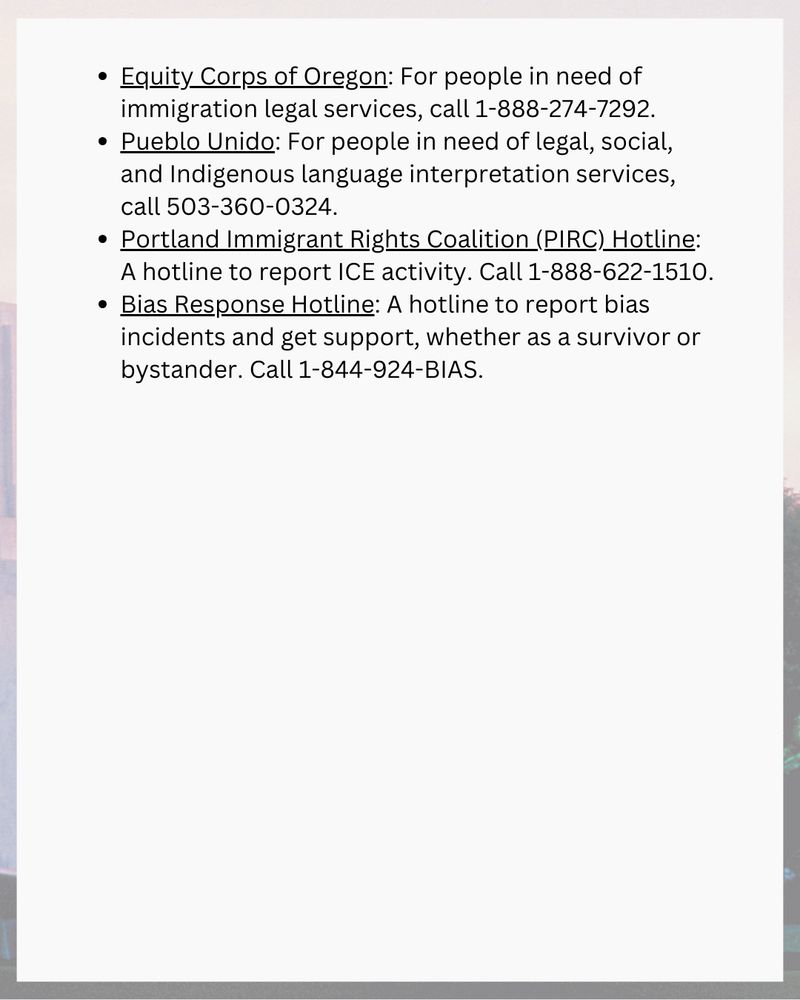
Today marks the beginning of National Arab American Heritage Month, celebrating the vibrant culture, resilience, and contributions of Arab Americans.

April 2, 2025 at 3:48 PM
Today marks the beginning of National Arab American Heritage Month, celebrating the vibrant culture, resilience, and contributions of Arab Americans.
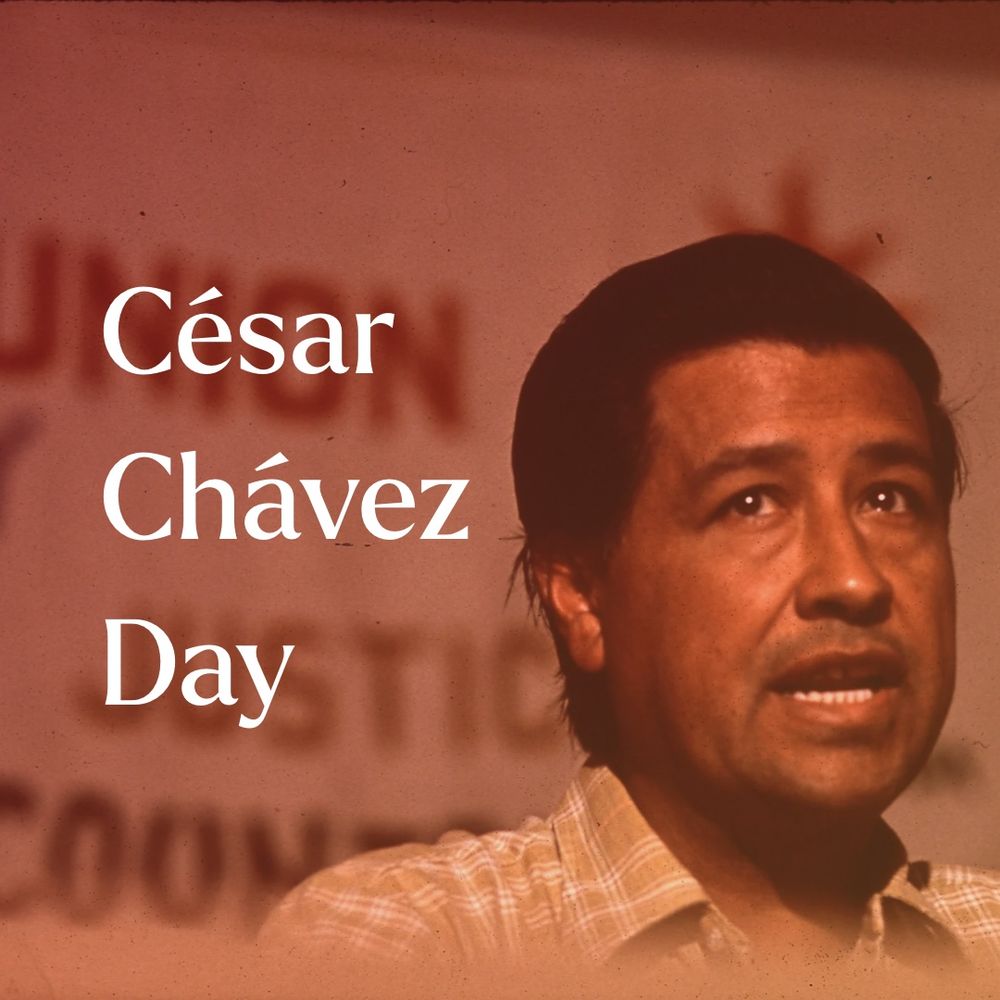
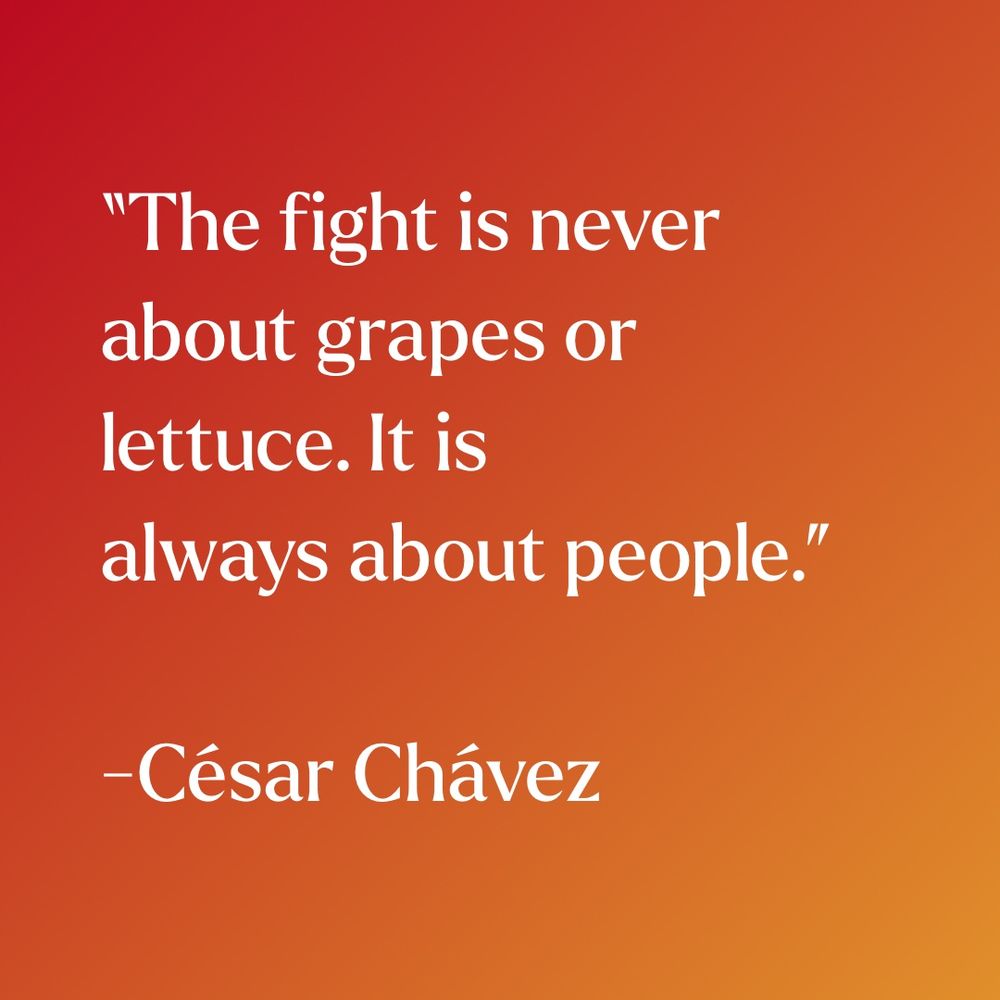
Today, we remember Cesar Chavez and celebrate the lasting impact of his contributions—not only as a labor leader but also as a symbol of dignity, resilience, and justice.
March 31, 2025 at 6:50 PM
Today, we remember Cesar Chavez and celebrate the lasting impact of his contributions—not only as a labor leader but also as a symbol of dignity, resilience, and justice.
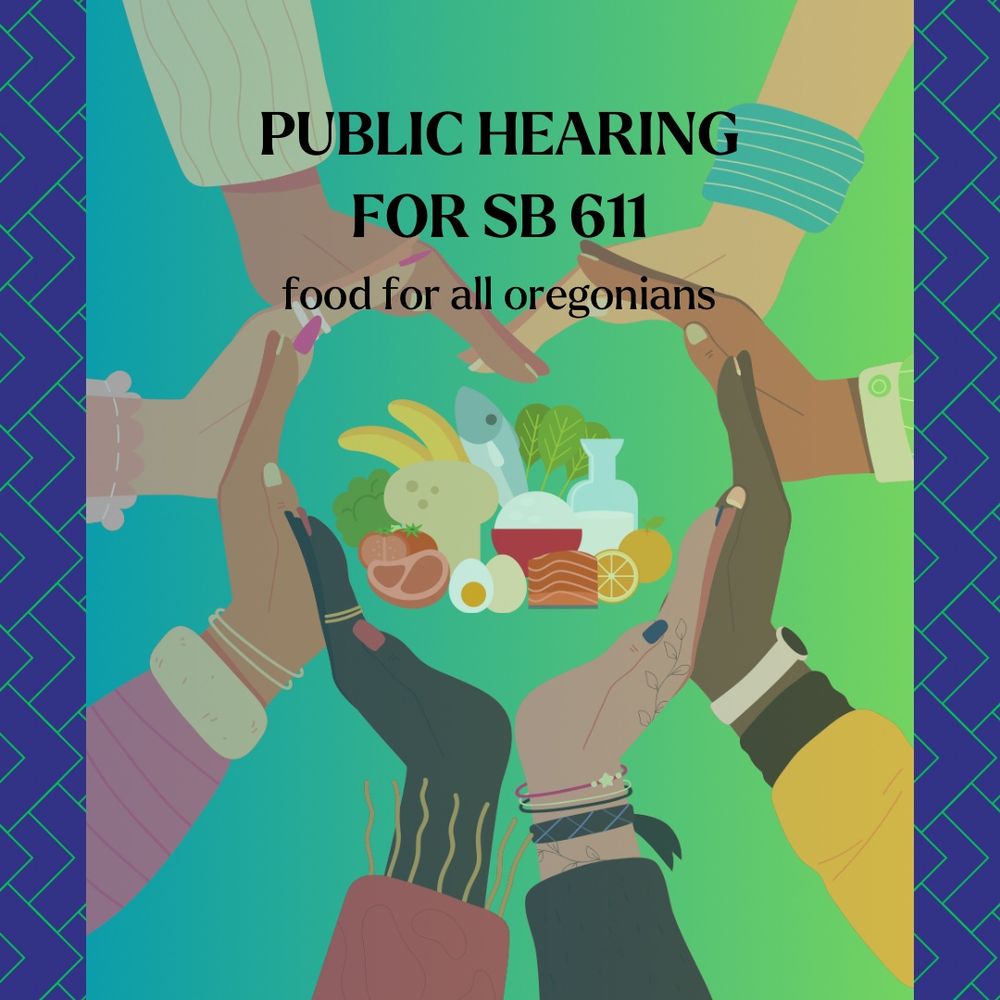
Today, the Senate Committee on Human Services held a public hearing on SB 611.
March 25, 2025 at 11:49 PM
Today, the Senate Committee on Human Services held a public hearing on SB 611.
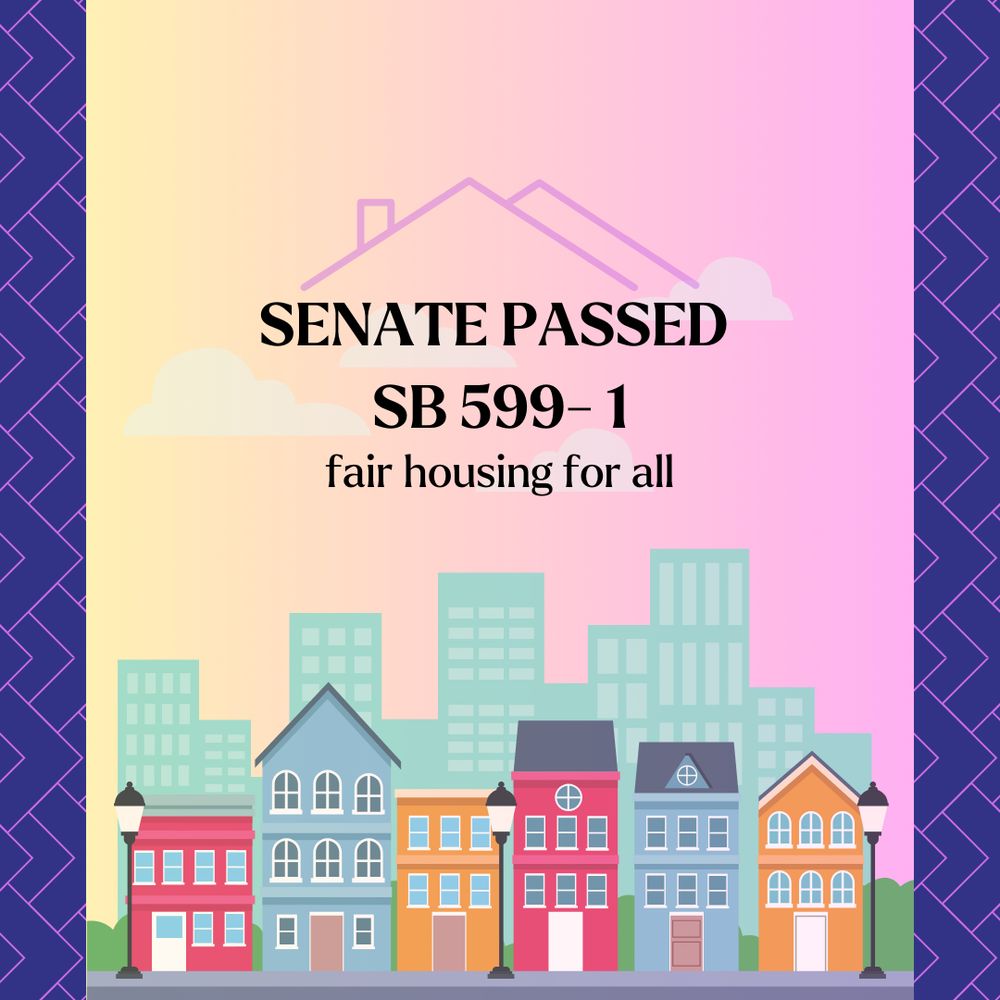
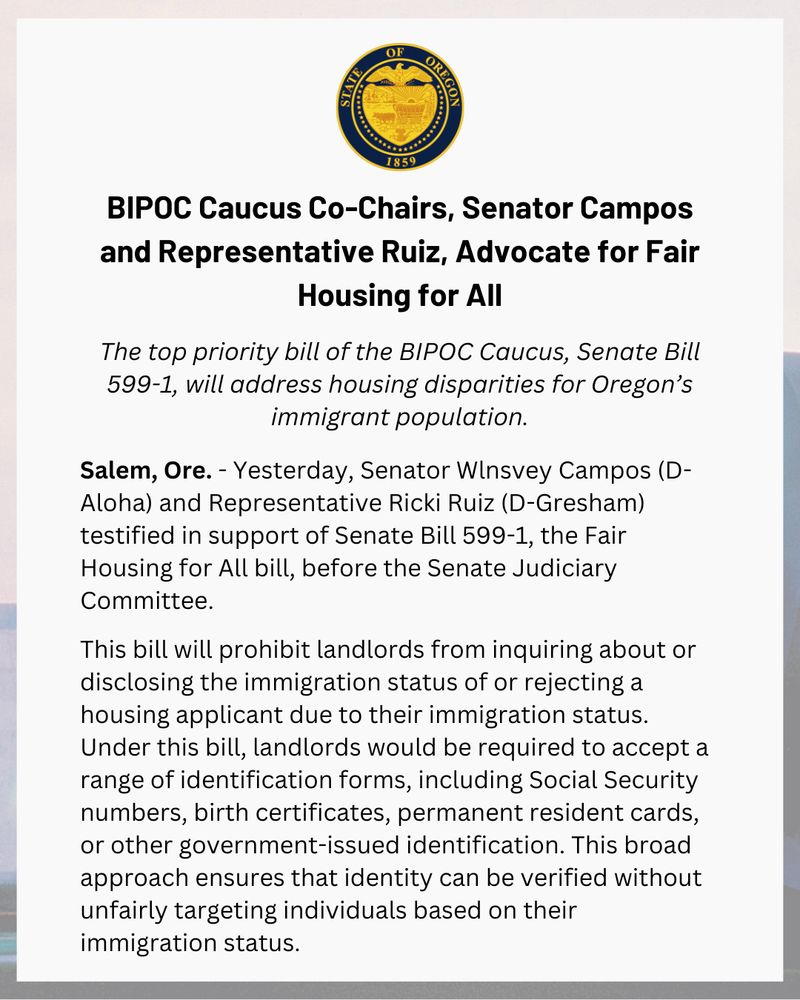
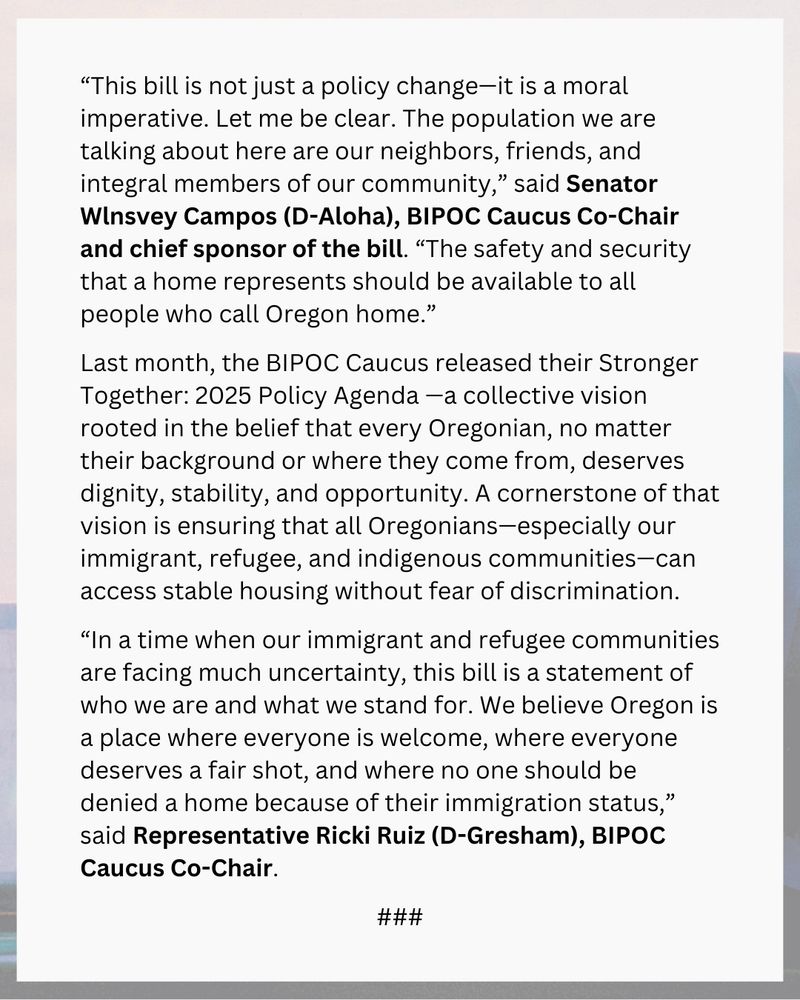
The Oregon Senate passed SB 599-1, a top priority of the BIPOC Caucus, which prohibits housing discrimination based on immigration status. SB 599-1 will be in the Oregon House next. 🏡 #orpol #orleg #immigrants #refugees #rights
March 24, 2025 at 7:35 PM
The Oregon Senate passed SB 599-1, a top priority of the BIPOC Caucus, which prohibits housing discrimination based on immigration status. SB 599-1 will be in the Oregon House next. 🏡 #orpol #orleg #immigrants #refugees #rights
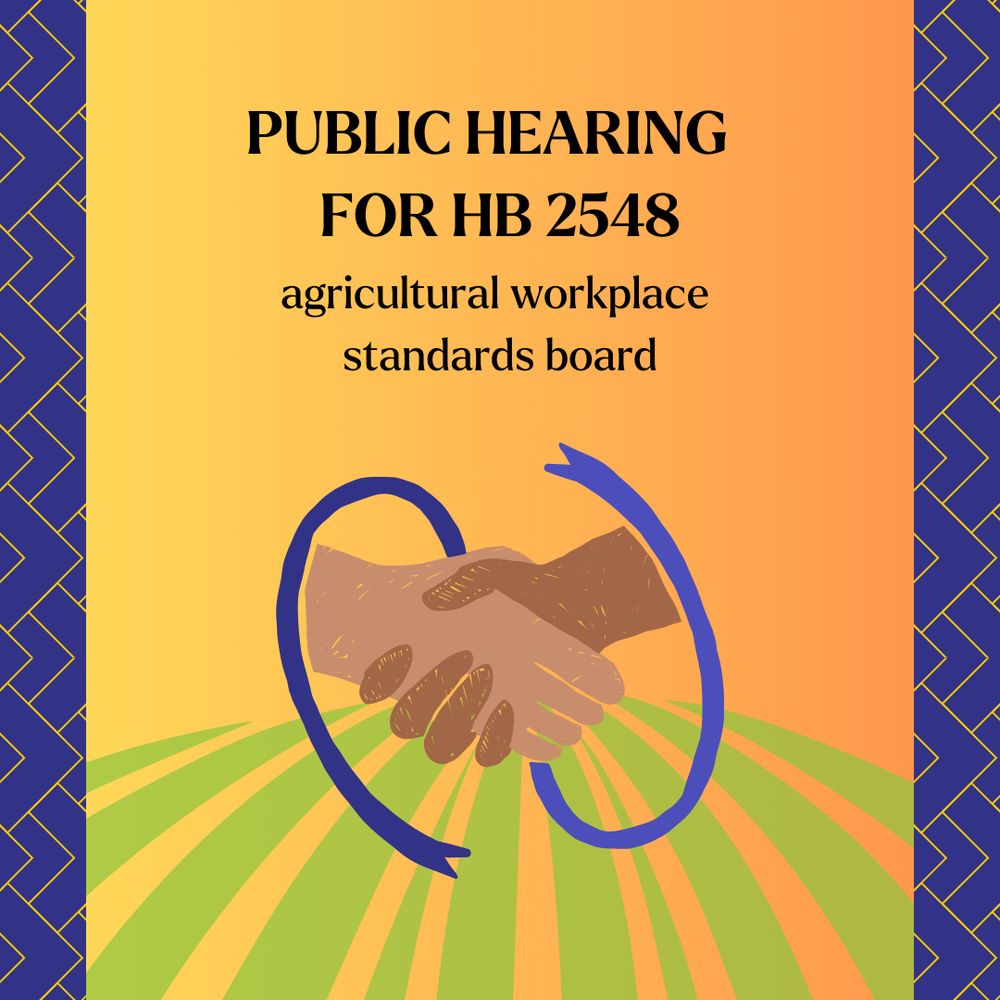
Today, HB 2548 had a public hearing in the House Labor and Workplace Standards Committee.
March 13, 2025 at 3:08 AM
Today, HB 2548 had a public hearing in the House Labor and Workplace Standards Committee.
The BIPOC Caucus Policy Agenda for the legislative session is out now! 📢
February 20, 2025 at 1:40 AM
The BIPOC Caucus Policy Agenda for the legislative session is out now! 📢
This month is not just for celebration, but also for reflecting on and recommitting to the ongoing fight for equality and justice.
February 8, 2025 at 4:36 AM
This month is not just for celebration, but also for reflecting on and recommitting to the ongoing fight for equality and justice.
In Oregon, we are proud to be one of the first in the nation to be a sanctuary state. We are committed to supporting our immigrant communities who are proud to call Oregon home.


February 1, 2025 at 2:31 AM
In Oregon, we are proud to be one of the first in the nation to be a sanctuary state. We are committed to supporting our immigrant communities who are proud to call Oregon home.