



Karl
@hexaquo.at
Researcher, teacher and activist somewhere at the intersection of landscape perception, graphics programming, open source, and climate change.
Working on VR landscape visualization with Godot. Maintaining Geodot: https://github.com/boku-ilen/geodot-plugin
Working on VR landscape visualization with Godot. Maintaining Geodot: https://github.com/boku-ilen/geodot-plugin
Nice! the per-streak chromatic fade looks really stylish! very happy to hear that my repo helped :)
January 11, 2026 at 2:19 AM
Nice! the per-streak chromatic fade looks really stylish! very happy to hear that my repo helped :)
Thanks! glad it helped :)
The streaks are mostly adapted from here: chrisoat.com/papers/Oat-S... my code for doing multiple passes with it is a bit messy because of the texture ping-pong-ing, not sure if there's a better way to do that.
Thanks, I want to extend and post that other scene sometime!
The streaks are mostly adapted from here: chrisoat.com/papers/Oat-S... my code for doing multiple passes with it is a bit messy because of the texture ping-pong-ing, not sure if there's a better way to do that.
Thanks, I want to extend and post that other scene sometime!
January 8, 2026 at 7:03 PM
Thanks! glad it helped :)
The streaks are mostly adapted from here: chrisoat.com/papers/Oat-S... my code for doing multiple passes with it is a bit messy because of the texture ping-pong-ing, not sure if there's a better way to do that.
Thanks, I want to extend and post that other scene sometime!
The streaks are mostly adapted from here: chrisoat.com/papers/Oat-S... my code for doing multiple passes with it is a bit messy because of the texture ping-pong-ing, not sure if there's a better way to do that.
Thanks, I want to extend and post that other scene sometime!
Yes! they're all created procedurally from the HDR buffer. for this glare effect, I do multiple passes of a directional blur.
January 8, 2026 at 6:38 PM
Yes! they're all created procedurally from the HDR buffer. for this glare effect, I do multiple passes of a directional blur.
Thanks, yeah feel free to take any code that's useful! I can get some nice anamorphic glare with the right settings; if you also want to stretch the lens flare ghosts, you could probably apply the glare blur filter (streak.glsl in my repo) to the buffer used for the ghosts. (or just warp the UVs)

January 8, 2026 at 3:20 PM
Thanks, yeah feel free to take any code that's useful! I can get some nice anamorphic glare with the right settings; if you also want to stretch the lens flare ghosts, you could probably apply the glare blur filter (streak.glsl in my repo) to the buffer used for the ghosts. (or just warp the UVs)
The procedural lens flare and glare effect is open source, if someone wants to give it a try: github.com/kb173/godot-...

GitHub - kb173/godot-procedural-lens-flare
Contribute to kb173/godot-procedural-lens-flare development by creating an account on GitHub.
github.com
January 8, 2026 at 1:59 PM
The procedural lens flare and glare effect is open source, if someone wants to give it a try: github.com/kb173/godot-...
Really cool stuff!
How is your action library licensed? I saw the code on your gitea instance, but didn't see a license there.
How is your action library licensed? I saw the code on your gitea instance, but didn't see a license there.
December 31, 2025 at 5:44 PM
Really cool stuff!
How is your action library licensed? I saw the code on your gitea instance, but didn't see a license there.
How is your action library licensed? I saw the code on your gitea instance, but didn't see a license there.
Yeah I think that approach definitely makes more sense for some projects! My original intention with this was mainly to communicate brightness better, that's why I went for the color buffer approach. (Though I'd also like to try it in a really stylized environment, dark with lots of glowing objects)
December 29, 2025 at 2:39 PM
Yeah I think that approach definitely makes more sense for some projects! My original intention with this was mainly to communicate brightness better, that's why I went for the color buffer approach. (Though I'd also like to try it in a really stylized environment, dark with lots of glowing objects)
please do! (but maybe wait a few more days until it's a bit more usable and the most obvious performance issues are fixed)
December 25, 2025 at 3:48 PM
please do! (but maybe wait a few more days until it's a bit more usable and the most obvious performance issues are fixed)
and I feel you, figuring out how to get the texture into my compositor effect shader took me way too long 😅
December 23, 2025 at 9:48 PM
and I feel you, figuring out how to get the texture into my compositor effect shader took me way too long 😅
True, it's hard to dial in & you need to make sure that things like the sun are actually bright (i.e. write values far above 1.0 into the color buffer). Also made me realize how most of the default settings don't care about this at all; even with physical light units, the sun disk isn't very bright.
December 23, 2025 at 9:48 PM
True, it's hard to dial in & you need to make sure that things like the sun are actually bright (i.e. write values far above 1.0 into the color buffer). Also made me realize how most of the default settings don't care about this at all; even with physical light units, the sun disk isn't very bright.
Looks great! I'd be very interested in a deep-dive into the tricks you're probably doing to deal with floating-point accuracy :)
December 20, 2025 at 12:45 PM
Looks great! I'd be very interested in a deep-dive into the tricks you're probably doing to deal with floating-point accuracy :)
I tested it real quick and this works for me:
varying float random_offset;
void vertex() {
random_offset = (MODEL_MATRIX * vec4(0.0, 0.0, 0.0, 1.0)).y;
}
void fragment() {
[...]
float final_speed = TIME * (speed / 4.0) + random_offset;
[...]
}
varying float random_offset;
void vertex() {
random_offset = (MODEL_MATRIX * vec4(0.0, 0.0, 0.0, 1.0)).y;
}
void fragment() {
[...]
float final_speed = TIME * (speed / 4.0) + random_offset;
[...]
}
December 19, 2025 at 4:00 PM
I tested it real quick and this works for me:
varying float random_offset;
void vertex() {
random_offset = (MODEL_MATRIX * vec4(0.0, 0.0, 0.0, 1.0)).y;
}
void fragment() {
[...]
float final_speed = TIME * (speed / 4.0) + random_offset;
[...]
}
varying float random_offset;
void vertex() {
random_offset = (MODEL_MATRIX * vec4(0.0, 0.0, 0.0, 1.0)).y;
}
void fragment() {
[...]
float final_speed = TIME * (speed / 4.0) + random_offset;
[...]
}
also, I haven't used canvas_item shaders much, but it seems like the self_modulate property is passed into the COLOR variable of the shader; perhaps that could also be used to pass a random offset from GDScript into the shader without a uniform? I think the position hash would be preferable though
December 19, 2025 at 11:25 AM
also, I haven't used canvas_item shaders much, but it seems like the self_modulate property is passed into the COLOR variable of the shader; perhaps that could also be used to pass a random offset from GDScript into the shader without a uniform? I think the position hash would be preferable though
We usually hash the object position for pseudo-random offsets like that. e.g.:
float rand(vec3 co){
return fract(sin(dot(co ,vec3(12.9898,78.233,54.1463))) * 43758.5453);
}
Perhaps you could do that using the object's translation, i.e. MODEL_MATRIX * vec3(0.0, 0.0, 0.0, 1.0)?
float rand(vec3 co){
return fract(sin(dot(co ,vec3(12.9898,78.233,54.1463))) * 43758.5453);
}
Perhaps you could do that using the object's translation, i.e. MODEL_MATRIX * vec3(0.0, 0.0, 0.0, 1.0)?
December 19, 2025 at 11:21 AM
We usually hash the object position for pseudo-random offsets like that. e.g.:
float rand(vec3 co){
return fract(sin(dot(co ,vec3(12.9898,78.233,54.1463))) * 43758.5453);
}
Perhaps you could do that using the object's translation, i.e. MODEL_MATRIX * vec3(0.0, 0.0, 0.0, 1.0)?
float rand(vec3 co){
return fract(sin(dot(co ,vec3(12.9898,78.233,54.1463))) * 43758.5453);
}
Perhaps you could do that using the object's translation, i.e. MODEL_MATRIX * vec3(0.0, 0.0, 0.0, 1.0)?
me every time I randomly see a photo of my home town on here
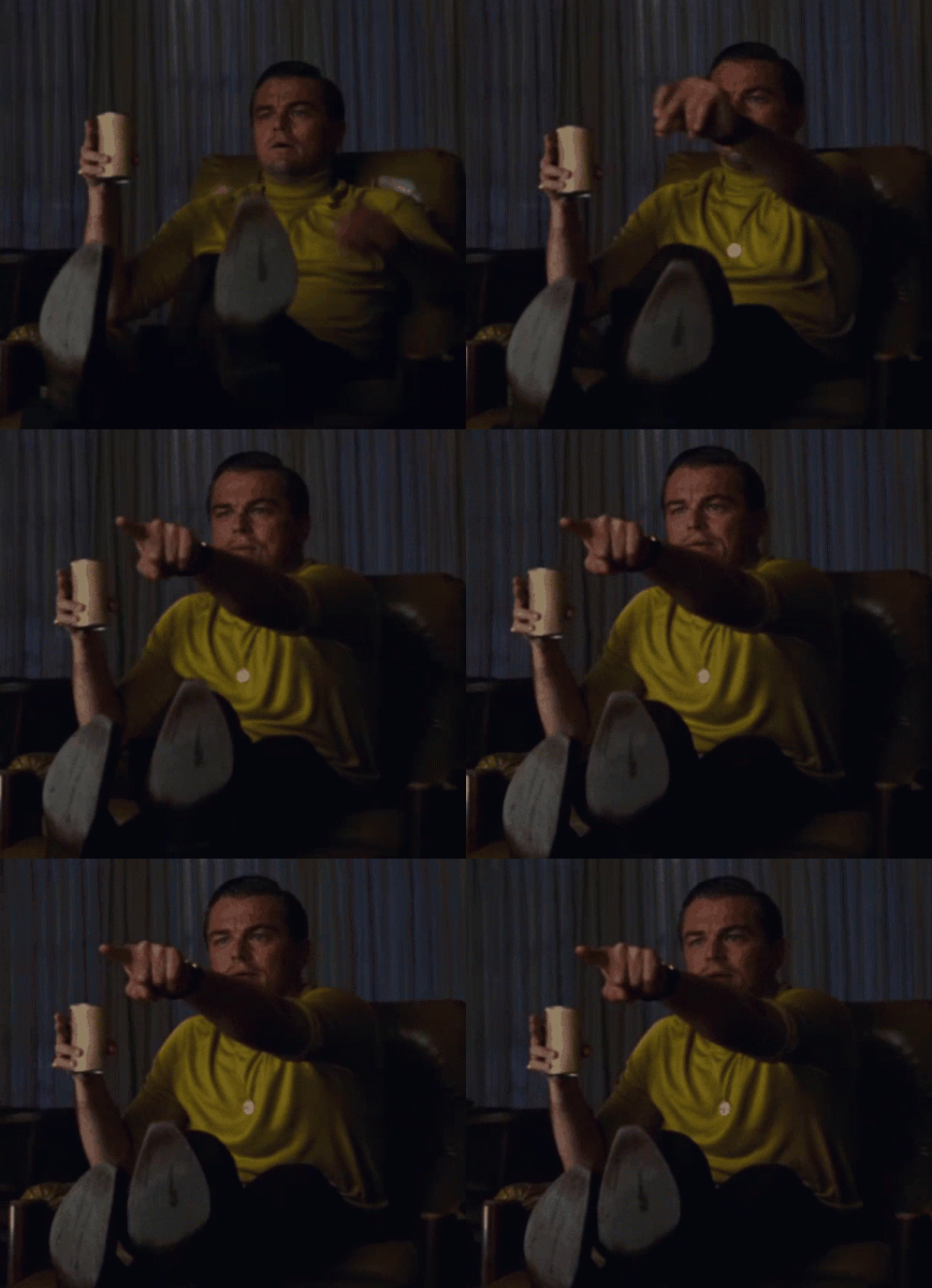
a man in a yellow shirt is sitting in a chair and pointing at something
Alt: meme gif: man in a yellow shirt is sitting in a chair and pointing at something excitedly
media.tenor.com
December 18, 2025 at 10:02 PM
me every time I randomly see a photo of my home town on here