



Reposted by John Bluesky

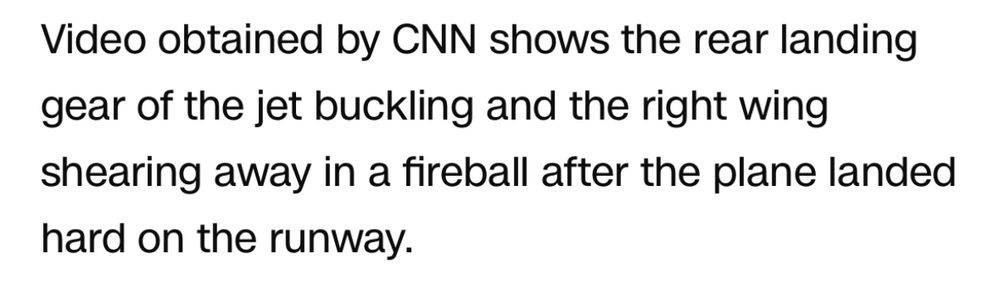
I hope America is as lucky as the delta jet - everyone survives but the right wing explodes
February 18, 2025 at 3:49 PM
I hope America is as lucky as the delta jet - everyone survives but the right wing explodes
Reposted by John Bluesky


Reposted by John Bluesky

There was a bizarre 5-6-year period when people actually went around saying that "Last Action Hero" was a bad movie. My slapping hand still acts up when it's about to rain but it was worth it to silence the unbelievers.

February 4, 2025 at 9:25 AM
There was a bizarre 5-6-year period when people actually went around saying that "Last Action Hero" was a bad movie. My slapping hand still acts up when it's about to rain but it was worth it to silence the unbelievers.
blood is red due to rust forming on iron in blood coming in contact with water in blood
January 23, 2025 at 6:43 PM
blood is red due to rust forming on iron in blood coming in contact with water in blood
Reposted by John Bluesky
Some people think that time is linear. Others that it's cyclical. Personally, I think you should start a union at your job.
January 22, 2025 at 12:22 AM
Some people think that time is linear. Others that it's cyclical. Personally, I think you should start a union at your job.
Reposted by John Bluesky

You demand your Games to run at 60fps but I bet you can’t even run down the street 😤
January 20, 2025 at 1:08 PM
You demand your Games to run at 60fps but I bet you can’t even run down the street 😤
Reposted by John Bluesky
day 57 of being a worm: my wife claims to still love me, and in our quiet moments together there is a lingering tenderness, but she is more protective of her phone and her business trips are becoming more frequent
January 20, 2025 at 5:48 AM
day 57 of being a worm: my wife claims to still love me, and in our quiet moments together there is a lingering tenderness, but she is more protective of her phone and her business trips are becoming more frequent
why has nobody told me Holly Flax is in The Wire?
January 20, 2025 at 11:14 AM
why has nobody told me Holly Flax is in The Wire?
we literally got tiktok before gta 6
January 20, 2025 at 11:13 AM
we literally got tiktok before gta 6
full week already. already wanked twice and watched two episodes of the wire (unrelated)
January 20, 2025 at 11:12 AM
full week already. already wanked twice and watched two episodes of the wire (unrelated)
Reposted by John Bluesky

was almost asleep but then imagined a tiny little German man who pronounces windowsill “Vin Diesel”
January 20, 2025 at 7:17 AM
was almost asleep but then imagined a tiny little German man who pronounces windowsill “Vin Diesel”
Reposted by John Bluesky

tiktok returning after a 14-hour social media break is like that one friend who announces they’re logging off
January 20, 2025 at 1:31 AM
tiktok returning after a 14-hour social media break is like that one friend who announces they’re logging off

Reposted by John Bluesky
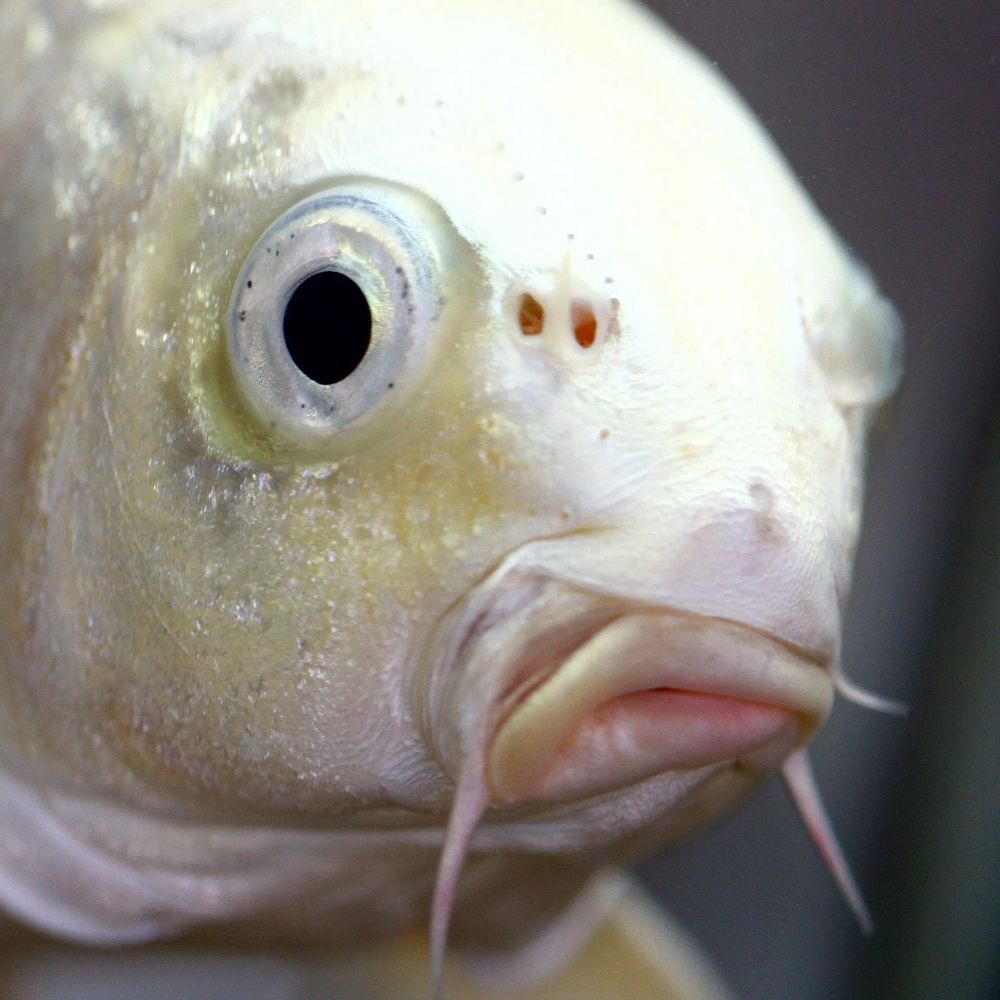
the banning of tiktok is another painful reminder to buy physical copies of your media. i have dozens of dvds of an ai voice reading reddit comments over unrelated minecraft footage.
January 19, 2025 at 4:20 AM
the banning of tiktok is another painful reminder to buy physical copies of your media. i have dozens of dvds of an ai voice reading reddit comments over unrelated minecraft footage.
Reposted by John Bluesky

wait, they shut down Vine?
- sent from my Zune
- sent from my Zune
January 19, 2025 at 7:26 AM
wait, they shut down Vine?
- sent from my Zune
- sent from my Zune
Oh not tiktok is gone and I was JUST watching a reaction clip while taking a shit
January 19, 2025 at 10:43 AM
Oh not tiktok is gone and I was JUST watching a reaction clip while taking a shit
Yes but have you forgotten about Dre?
January 19, 2025 at 10:41 AM
Yes but have you forgotten about Dre?
Damn tiktok is gone where will this 50yo learn new dances
January 19, 2025 at 10:39 AM
Damn tiktok is gone where will this 50yo learn new dances
It me

“Never got around to trying TikTok” he posted over the course of 3 days using a rotary-dial princess phone.
January 19, 2025 at 9:51 AM
It me
Will nobody really think of the influencers?? 🥺
January 19, 2025 at 9:36 AM
Will nobody really think of the influencers?? 🥺
I hope my tiktok finds you well
January 19, 2025 at 9:21 AM
I hope my tiktok finds you well
Reposted by John Bluesky

i hope everyone left on tiktok is doing great/terrible impressions of americans now
January 19, 2025 at 5:02 AM
i hope everyone left on tiktok is doing great/terrible impressions of americans now
Thank you for liking my post, big tittied woman, I will now pay a monthly fee to see your asshole
January 19, 2025 at 9:00 AM
Thank you for liking my post, big tittied woman, I will now pay a monthly fee to see your asshole
Reposted by John Bluesky


How I evaded the TikTok ban in two steps:
1) I'm not in the US
B) I wasn't using it anyway
1) I'm not in the US
B) I wasn't using it anyway
January 19, 2025 at 8:54 AM
How I evaded the TikTok ban in two steps:
1) I'm not in the US
B) I wasn't using it anyway
1) I'm not in the US
B) I wasn't using it anyway